
স্বপ্নের ক্যারিয়ারের প্রস্তুতি শুরু হোক এখনই
ওয়ার্ডপ্রেস শিখে ফ্রিল্যান্সিং
সঠিকভাবে স্কিল ডেভেলপ করে দক্ষতা অর্জন করুন এবং নিজেকে গড়ে তুলুন একজন সফল ফ্রিল্যান্সার হিসাবে!


১০ + বছরের অভিজ্ঞতা থেকে তৈরি
১০০০ + শিক্ষার্থী এনরোল হয়েছে
প্রজেক্টভিত্তিক প্র্যাকটিক্যাল ভিডিও লেসন
এই কোর্সে কাদের এনরোল করা উচিত?
ফ্রিল্যান্সিং করে আয়ের জন্য স্পেসিফিক একটি বিষয় ভালো করে শেখার প্রয়োজন হয়। আপনি যদি ওয়েবসাইট ডিজাইন করা সঠিকভাবে শিখে ফ্রিল্যান্সিং করে আয় করতে চান এই কোর্স থেকে আপনি উপকৃত হবেন।

ফ্রিল্যান্সিং – এ বিগিনার হয়ে থাকেন
কোর্সটি তৈরি করা হয়েছে একদম শুরু থেকে একজন শিক্ষার্থী ওয়েব ডিজাইন ও ওয়ার্ডপ্রেস ডেভেলপমেন্ট সঠিকভাবে পর্যায়ক্রমে শিখে ইন্টারন্যাশনাল অনলাইন মার্কেটপ্লেসে ফ্রিল্যান্সিং করে যেন আয় করতে পারে।
স্টুডেন্ট বা কর্মজীবী কিন্তু ফ্রিল্যান্সিং করতে চায়
লেখাপড়া বা জবের পাশাপাশি সময় দিয়ে আয়ের একটি অন্যতম মাধ্যম হতে পারে ফ্রিল্যান্সিং। ক্যারিয়ারের প্রথম পর্যায়েই আপনি একটা পূর্ণাঙ্গ গাইড লাইন পাবেন। আবার, যারা নিজে থেকেই কিছুটা শিখেছেন তারা নিজেদের ঘাটতি গুলো পূরণ করে নিতে পারবেন এই কোর্সের মাধ্যমে।
ফ্রিল্যান্সিং – এ চেষ্টা করছেন কিন্তু সাকসেস নেই
সঠিক দিক নির্দেশনা ও প্রচেষ্টায় আসে সাফল্য। প্রতিনিয়ত নতুন কিছু শেখা একটি পরিপূর্ণ জীবন যাপন এবং একটি সফল কর্মজীবনের চাবিকাঠি। সফল যেন হতে পারেন এইজন্য দক্ষতা অর্জন থেকে শুরু করে, সেই দক্ষতা কাজে লাগিয়ে আয় পর্যন্ত এই কোর্সে বিস্তারিত দেখানো হয়েছে।
ফ্রিল্যান্সিং – এ ব্যর্থ হওয়ার কারণ
যে কারণে আপনি হয়তো শুরু করেও ব্যর্থ হতে পারেন
দীর্ঘ ১০+ বছর ধরে ফ্রিল্যান্সিং মার্কেটপ্লেসে কাজ করে এবং নিজে একজন ইন্সট্রাক্টর ও ফাউন্ডার হওয়ার সুবাদে আমার যে অভিজ্ঞতা হয়েছে তাতে আমি শিক্ষার্থীদের ফ্রিল্যান্সিং – এ ব্যর্থ হওয়ার ৩ টি মেজর প্রব্লেম খুঁজে বের করেছি। সেগুলো হচ্ছে…
না বুঝে শুরু করা
‘ফ্রিল্যান্সিং করে লাখ টাকা আয় করা যায়’ শুনেই অনেকে এই পথে পা বাড়ান। কোনো রকম দক্ষতা ছাড়াই কাজে নেমে পড়লে হতাশ হওয়ার সম্ভাবনা বেশি।
দক্ষতার অভাব
ফ্রিল্যান্সিং – এ সফল হতে হলে আপনার নির্দিষ্ট কিছু দক্ষতা থাকা জরুরি। টুকটাক একটু শিখেই মার্কেটপ্লেসে কাজ পাবার জন্য তাড়াহুড়া করা যাবে না।
ধৈর্য ও অধ্যবসায়ের অভাব
ফ্রিল্যান্সিংয়ে শুরুটা কঠিন হতে পারে, প্রথম কাজ পেতে সময় লাগতে পারে। আপনি যদি সহজে হাল ছেড়ে দেন, তাহলে সফল হওয়া কঠিন।
কোর্স মডিউল
একনজরে দেখে নিই এই কোর্সে কী কী থাকছে
- Lesson 1: Introduction & Course Outline
- Lesson 2: How to get help & support from your course instructor
- Lesson 1: Introduction to HTML
- Lesson 2: HTML editor
- Lesson 3: Getting started with HTML
- Lesson 4: What’s in the head? Metadata in HTML
- Lesson 5: HTML text fundamentals
- Lesson 6: Creating hyperlinks
- Lesson 7: Advanced text formatting
- Lesson 8: Document and website structure
- Lesson 9: Debugging HTML
- Lesson 10: Images in html
- Lesson 11: Video and audio content
- Lesson 12: Responsive images
- Lesson 13: HTML table basics
- Lesson 14: HTML table advanced features
- Lesson 15: HTML forms – Your first form
- Lesson 16: HTML forms – How to structure a web form
- Lesson 17: HTML forms – Basic native form controls
- Lesson 18: HTML forms – The HTML5 input types
- Lesson 19: HTML forms – Other form controls
- Lesson 20: HTML entities
- Lesson 1: Getting Setup With Brackets, Implementing CSS
- Lesson 2: Color Types, CSS Selectors, Classes & ID’s & Backgrounds
- Lesson 3: Borders, Box Model, Margin & Padding
- Lesson 4: Outline | Text – Formatting, Alignment, Decortation, Transformation, Spacing | Display – Inline, Block & Inline-Block
- Lesson 5: Beautiful Typography | Working with Icons
- Lesson 6: Relative vs. Absolute | z-index
- Lesson 7: Overflow, Float, Clear, Box Sizing, Pseudo-class, Pseudo-element
- Lesson 8: Media Queries, Gradients, Transform
- Lesson 9: Animations & Image Sprites
- Lesson 10: Grid & Quiz Test
- Lesson 1: Introduction | Variables
- Lesson 2: Variable Mutation and Type Coercion
- Lesson 3: Basic Operators
- Lesson 4: Functions and Events | JavaScript Output
- Lesson 5: Operator Precedence | if / else Statements
- Lesson 6: Boolean Logic
- Lesson 7: Truthy & Falsy Values | Equality Operators
- Lesson 1: jQuery Introduction | Adding jQuery to Your Web Pages | jQuery Syntax, Selectors & Event Methods
- Lesson 2: jQuery Effects – Hide, Show, Fading, Sliding, Animation, Callback Functions & Chaining Method
- Lesson 3: jQuery – Add & Remove Elements, Get and Set CSS Classes
- Lesson 4: jQuery UIKit – A lightweight and modular front-end framework for developing fast and powerful web interfaces.
- Lesson 5: jQuery UI – jQuery UI is a curated set of user interface interactions, effects, widgets, and themes built on top of the jQuery JavaScript Library.
- Lesson 1: Design a Beautiful Responsive Carousel Slider
- Lesson 2: Dynamically add Animations on Your Website
- Lesson 3: Learn how to Design an Awesome, Fully Responsive jQuery Slider
- Lesson 4: Learn how to dynamically counts up to a targeted number from zero
- Lesson 5: Learn how to create attention grabbing animated headline that either rotate or clip
- Lesson 1: Project 1.0 – Environment Setup: Get Your Hands Dirty – Downloading & Installing Photoshop, Setting Up the Project Environment
- Lesson 2: Project 1.1 – Coding & Styling the Hero Section: Creating the Markup & the Navbar
- Lesson 3: Project 1.2 – Coding & Styling the About Section: Creating Custom Columns
- Lesson 4: Project 1.3 – Coding & Styling the Working Process Section
- Lesson 5: Project 1.4 – Coding & Styling the Work Experience & Education Section
- Lesson 6: Project 1.5 – Coding & Styling the Latest Works Section
- Lesson 7: Project 1.6 – Coding & Styling the Testimonial Section
- Lesson 8: Project 1.7 – Coding & Styling the Contact & Footer Section
- Lesson 9: Project 1.8 – Let’s Make Our Website Responsive!
- Lesson 10: Project 1.9 – Learn How To: Create a Scroll Back To Top Button & a Sticky Navbar
- Lesson 11: Project 1.10 – Learn How To: Create a Lightbox & a Filterable Portfolio Gallery
- Lesson 12: Project 1.11 – Learn How To: Add Cool Particles Effects & Animations
- Lesson 13: Project 1.12 – Learn How To: Power Steering Your Scroll Wheel & Create an Animated Scroll Button
- Lesson 14: Project 1.13 – Learn How To: Build Fullscreen Overlay Hamburger Menu
- Lesson 15: Project 1.14 – Responsive Layout: Finishing the Responsive Layout | Add CSS Vendor Prefixes Automatically | Code validation
- Lesson 16: Project 1.15 – Performance: Website Page Speed Optimization | How Does a New Website Go Live
- Lesson 17: Project 1.16 – How to Setup Google Analytics Correctly
- Lesson 18: Project 1.17 – Let’s Publish your Website on Github | Congratulations! You did it!
- Lesson 1: Initial Environment Setup
- Lesson 2: Typography
- Lesson 3: Colors & Background
- Lesson 4: Text
- Lesson 5: Display
- Lesson 6: Float
- Lesson 7: Spacing
- Lesson 8: Sizing
- Lesson 9: Borders
- Lesson 10: Overflow
- Lesson 11: Position
- Lesson 12: Shadows | Vertical Alignment | Visibility
- Lesson 13: Interactions
- Lesson 14: Flex
- Lesson 15: Bootstrap Icons
- Lesson 16: Clearfix
- Lesson 17: Fixed & Sticky Position
- Lesson 18: Images & Figure
- Lesson 19: Tables
- Lesson 20: Stacks & Vertical Rule
- Lesson 21: Breakpoints
- Lesson 22: Containers
- Lesson 23: Grid
- Lesson 24: Columns
- Lesson 25: Gutters
- Lesson 1: LandKit
- Lesson 2: Sign In
- Lesson 1: What is Sass? Concept of Variables & Nesting in SASS
- Lesson 2: Command Line Introduction & Install Sass Locally [Windows User]
- Lesson 3: A Brief Introduction to the Command Line
- Lesson 4: Let’s Install Sass Locally with Live Server
- Lesson 5: How to fix VSCode issue with filewatchers
- Lesson 6: Variables
- Lesson 7: Partials
- Lesson 8: Mixins
- Lesson 9: Mixins With Variable Arguments
- Lesson 10: Passing Contents Into Mixins
- Lesson 11: A Mixin to Import Google Fonts
- Lesson 12: Nested Media Queries
- Lesson 13: Functions
- Lesson 14: Extend & Conditional Directives
- Lesson 1: Introducing WordPress
- Lesson 2: Local WordPress Development Environments
- Lesson 3: How to Change Your Admin Password
- Lesson 4: WordPress Dashboard: The Complete Guide
- Lesson 1: What is cPanel & Why Use It?
- Lesson 2: Shared Hosting vs VPS vs Dedicated
- Lesson 3: How to Log In to cPanel
- Lesson 4: Overview of the Interface (Jupiter Theme)
- Lesson 5: cPanel Settings & Preferences
- Lesson 6: How to Reset Your cPanel Password
- Lesson 7: Introduction to File Manager
- Lesson 8: File Permissions (CHMOD)
- Lesson 9: Using FTP Accounts
- Lesson 10: Git Version Control in cPanel
- Lesson 11: Primary vs Addon Domains
- Lesson 12: Creating and Managing Subdomains
- Lesson 13: Using Webmail Roundcube
- Lesson 14: Configure WordPress to Use SMTP For Sending Emails
- Lesson 15: Email Forwarders & Autoresponders
- Lesson 16: Spam Filters & SpamAssassin Setup
- Lesson 17: Email Filters
- Lesson 18: Email Routing Explained
- Lesson 19: Managing Email Disk Usage
- Lesson 20: Email Deliverability
- Lesson 21: Track Delivery
- Lesson 22: SSL/TLS Management
- Lesson 23: IP Blocker
- Lesson 24: Hotlink Protection
- Lesson 25: Leech Protection
- Lesson 26: Two-Factor Authentication
- Lesson 27: SSH Access via cPanel (if allowed)
- Lesson 28: Imunify360 – Protect Your Website from Malware & Attacks
- Lesson 29: Using Softaculous for App Installation
- Lesson 30: Installing WordPress via cPanel
- Lesson 31: Optimize Website | Boost Speed & Performance
- Lesson 32: Creating MySQL Databases & Users
- Lesson 33: MySQL Database Wizard
- Lesson 34: Accessing phpMyAdmin
- Lesson 35: Importing & Exporting Database in phpMyAdmin
- Lesson 36: Remote MySQL Access
- Lesson 37: Resource Usage CPU, RAM, etc
- Lesson 38: Bandwidth Monitoring
- Lesson 39: Visitor Logs & AWStats
- Lesson 40: Errors & Raw Logs
- Lesson 41: Setting Up Cron Jobs
- Lesson 42: Custom Error Pages (404, 403, etc.)
- Lesson 43: Indexes Control
- Lesson 44: DNS Lookup & Email Trace Tools
- Lesson 45 LiteSpeed Web Cache Manager
- Lesson 46: Full & Partial cPanel Backups
- Lesson 47: Downloading & Restoring Backups
- Lesson 48: JetBackup
- Lesson 49: Your Feedback Matters!
- Lesson 1: How to get help & support
- Lesson 2: Projects Overview
- Lesson 3: Download the appropriate project resource file
- Lesson 4: Project 1.0 – WordPress Installation & Server Configuration
- Lesson 5: Project 1.1 – SSL Certificate Installation & Fix Sub Domain SSL Issues
- Lesson 6: Project 1.2 – Premium Theme & Required Plugin Installation
- Lesson 7: Project 1.3 – Build Hero Section
- Lesson 8: Project 1.4 – Build Header Section
- Lesson 9: Project 1.5 – Fix Some Issues & Improve Site Performance
- Lesson 10: Project 1.6 – Build About Me Section
- Lesson 11: Project 1.7 – Build Footer Section
- Lesson 12: Project 1.8 – Fix CLS (Cumulative Layout Shift) Issue
- Lesson 13: Project 1.9 – Build Services Section
- Lesson 14: Project 1.10 – Build Projects Section
- Lesson 15: Project 1.11 – Fix Projects Section Responsive & Scrolling Issue
- Lesson 16: Project 1.12 – Build Testimonial Section
- Lesson 17: Project 1.13 – Build Why Choose Me Section
- Lesson 18: Project 1.14 – Build Fun Fact Section
- Lesson 19: Project 1.15 – Build Pricing Table Section
- Lesson 20: Project 1.16 – Build Contact Section
- Lesson 21: Project 1.17 – Create Your Professional Business Email
- Lesson 22: Project 1.18 – Add a Business Email Account to Gmail
- Lesson 23: Project 1.19 – Cache Plugin Configuration
- Lesson 24: Project 1.20 – Improve Security & Page Loading Speed
- Lesson 25: Project 1.21 – Improve Your Website Speed Using CDN
- Lesson 26: Project 1.22 – Troubleshooting SSL Errors
- Lesson 27: Project 1.23 – Why is my subdomain not working
- Lesson 28: Project 1.24 – How to Reduce Time to First Byte (TTFB)
- Lesson 29: Project 1.25 – Testing Contact Form after CDN Configuration
- Lesson 30: Project 1.26 – Improve Security of Your WordPress Site
- Lesson 31: Project 1.27 – How to Backup & Restore WordPress Website
- Lesson 32: Project 1.28 – How to Access & Restore Backups in cPanel
- Lesson 33: Project 1.29 – WordPress Website Maintenance Guide
- Lesson 34: Project 1.30 – How to Manually Upgrade/Downgrade WordPress
- Lesson 35: Project 1.31 – WordPress Troubleshooting Guide
- Lesson 36: Project 1.32 – Please share your valuable feedback as it helps us to improve
- Lesson 37: Project 2.0 – Environment Setup
- Lesson 38: Project 2.1 – Getting Started with Local WP
- Lesson 39: Project 2.2 – Theme & Required Plugin Installation
- Lesson 40: Project 2.3 – Setup Global Color Palette
- Lesson 41: Project 2.4 – Setup Typography
- Lesson 42: Project 2.5 – Build Hero Section
- Lesson 43: Project 2.6 – Build Header Section
- Lesson 44: Project 2.7 – Build Contact Section
- Lesson 45: Project 2.8 – Build Introduction Section
- Lesson 46: Project 2.9 – Build Language Section
- Lesson 47: Project 2.10 – Build Latest Project Section
- Lesson 48: Project 2.11 – Build Testimonial Section
- Lesson 49: Project 2.12 – Build Services Section
- Lesson 50: Project 2.13 – Build Pricing Section
- Lesson 51: Project 2.14 – Build Recent Projects Section
- Lesson 52: Project 2.15 – Build Blog Posts Section
- Lesson 53: Project 2.16 – Step-by-Step Guide to Migrate/Transfer Your Site Using Plugin
- Lesson 54: Project 2.17 – Step-by-Step Guide to Migrate/Transfer Your Site Manually
- Lesson 55: Project 2.18 – Disable Unnecessary Blocks
- Lesson 56: Project 2.19 – Create Your Professional Business Email
- Lesson 57: Project 2.20 – Add a Business Email Account to Gmail
- Lesson 58: Project 2.21 – Setup & Install Google Analytics 4 (GA4)
- Lesson 59: Project 2.22 – Fix CLS (Cumulative Layout Shift) Issue
- Lesson 60: Project 2.23 – Cache Plugin Configuration
- Lesson 61: Project 2.24 – Optimize Your Website Images
- Lesson 62: Project 2.25 – Improve Your Website Speed Using CDN
- Lesson 63: Project 2.26 – How to Reduce Time to First Byte (TTFB)
- Lesson 64: Project 2.27 – Improve Security of Your WordPress Site
- Lesson 65: Project 2.28 – How to Backup & Restore WordPress Website
- Lesson 66: Project 2.29 – WordPress Website Maintenance Guide
- Lesson 67: Project 2.30 – Website Speed & Performance Optimization
- Lesson 68: Project 2.31 – How To Change the WordPress Table Prefix
- Lesson 69: Project 2.32 – Please share your valuable feedback as it helps us to improve
- Lesson 1: Project 1.0 – Let’s get started ! This is what we are going to build !
- Lesson 2: Project 1.1 – Installing WordPress Theme & Recommended Plugins
- Lesson 3: Project 1.2 – How To: Create & Customize A Child Theme | Enable Under Construction Mode
- Lesson 4: Project 1.3 – How to Install WooCommerce and Set It Up
- Lesson 5: Project 1.4 – Introducing Theme Style
- Lesson 6: Project 1.5 – Build Header For Entire Website
- Lesson 7: Project 1.6 – Build Footer For Entire Website
- Lesson 8: Project 1.7 – Build Hero Section
- Lesson 9: Project 1.8 – How to Add Products in WooCommerce | Build Best Selling Products Section
- Lesson 10: Project 1.9 – Build Fresh Products Section
- Lesson 11: Project 1.10 – Build Customers Reviews Section
- Lesson 12: Project 1.11 – Build About Us Section
- Lesson 13: Project 1.12 – Build Certified Products Section
- Lesson 14: Project 1.13 – Build Get In Touch Section
- Lesson 15: Project 1.14 – Build FAQ Section
- Lesson 16: Project 1.15 – Design WooCommerce Shop Page
- Lesson 17: Project 1.16 – Design WooCommerce Single Product Page
- Lesson 18: Project 1.17 – Design WooCommerce Cart Page
- Lesson 19: Project 1.18 – Design WooCommerce Checkout Page
- Lesson 20: Project 1.19 – Design WooCommerce My Account Page
- Lesson 21: Project 1.20 – WooCommerce: How to Set Up Payment Options
- Lesson 22: Project 1.21 – How to Downgrade/Upgrade WordPress to Specific Version
- Lesson 23: Project 1.22 – Perfomance Optimization – Get a Faster & Secure Website: Update Your PHP Today | How To Easily Enable Gzip Compression For WordPress
- Lesson 24: Project 1.23 – Performance Optimization: Use modern jQuery in Wordpress
- Lesson 25: Project 1.24 – Performance Optimization: Optimize Images for Web Performance & Serve Images as WebP in WordPress
- Lesson 26: Project 1.25 – Performance Optimization: How to Add Prerender to WordPress Sites
- Lesson 27: Project 1.26 – Performance Optimization: How to Optimize Your WordPress Database
- Lesson 1: Section Introduction
- Lesson 2: How To Replace an Image in WordPress Media Library
- Lesson 3: How to Redirect a Page or URL in WordPress and Why You Need Them
- Lesson 1: Turn Any HTML Website into an Installable WordPress Theme, Then Go Live!
- Lesson 1: How to Take Full Page Screenshot in Google Chrome without Extension
- Lesson 2: Stop Guessing Clothing Colors! (Do This Instead)
- Lesson 1: How to Fix “The Link You Followed Has Expired” Error in WordPress
- Lesson 1: Introducing Online Marketplaces
- Lesson 1: Introduction
- Lesson 2: Why You Need to Sign Up Right Now
- Lesson 3: No Skills! This is How You Can Still Be Successful on Fiverr
- Lesson 4: Join Fiverr Using Referral Link to Gets 20% Off Your First Purchase
- Lesson 5: Creating Your Fiverr Username
- Lesson 6: How to Optimize Your Profile
- Lesson 7: Fiverr Skill Tests
- Lesson 8: Research the Competition to see What’s Selling
- Lesson 9: How to Optimize Your Gig Title to Get More Traffic
- Lesson 10: How to Structure Your Fiverr Gig Packages
- Lesson 11: How to Optimize Your Gig Description
- Lesson 12: Build Your Gig Gallery & Tips for Recording Your Gig Video
- Lesson 13: Fiverr’s Level System
- Lesson 14: How to Manage Your Gigs
- Lesson 15: Seller Dashboard
- Lesson 16: Fiverr Messaging System & How to Create a Custom Offer
- Lesson 17: Things to NEVER Do on Fiverr & How to Take Customers Off Fiverr Safely
- Lesson 18: How to Manage Your Sales
- Lesson 19: Live Chat With A Client and Got an Order Immediately!
- Lesson 20: How to Deliver Orders Like a Pro
- Lesson 21: Fiverr Commission | Buyer and Seller Reviews
- Lesson 22: How to Cancel an Order | How to Extend Delivery Time | Resolution Center
- Lesson 23: Seller Analytics Dashboard
- Lesson 24: How to Get Paid Out
- Lesson 25: Want Vacation Mode? Oh No You Don’t!
- Lesson 26: How to Write an Effective Buyer Request
- Lesson 27: How to Use Fiverr App
- Lesson 28: Fiverr Gig Marketing
- Lesson 29: How can You Promote Yourself
- Lesson 30: Fiverr’s Referral System
- Lesson 31: What is Fiverr PRO?
- Lesson 32: Fiverr Community
- Lesson 33: How to Get Help & Support from Fiverr
- Lesson 34: How can You Improve Your Skills Using Fiverr
- Lesson 35: Fiverr Business Tools
- Lesson 36: Follow the Terms of Service or Risk Losing Your Account
- Lesson 37: Fiverr ID Verification
- Lesson 38: Outsourcing Tips
- Lesson 39: Conclusion & Final Tips
- Lesson 1: Your First PHP Code
- Lesson 2: Printing Values in PHP
- Lesson 3: Creating Variables in PHP
- Lesson 4: Conditionals in PHP
- Lesson 5: Arrays in PHP
- Lesson 6: Associative Arrays in PHP and Concatenation
- Lesson 7: var_dump, print_r and pre in PHP
- Lesson 8: PHP in HTML or HTML in PHP
- Lesson 9: For loop in PHP
- Lesson 10: The foreach loop
- Lesson 11: The While loop
- Lesson 12: PHP Functions – Standard functions
- Lesson 13: PHP Functions – User defined functions
- Lesson 14: PHP Functions – Functions with arguments
- Lesson 15: Template Tags is PHP & WordPress
- Lesson 16: PHP Functions – Functions that return values
- Lesson 17: Math Numbers in PHP – Some Examples
- Lesson 1: Project 1.0 – Introduction
- Lesson 2: Project 1.1 – Installing WordPress Locally
- Lesson 3: Project 1.2 – Turning the HTML5 Template Into a Working WordPress Theme
- Lesson 4: Project 1.3 – Enqueuing Stylesheets the Right Way
- Lesson 5: Project 1.4 – Enqueuing JavaScript the Right Way
- Lesson 6: Project 1.5 – Add a Custom Logo
- Lesson 7: Project 1.6 – Creating WordPress Menus
- Lesson 8: Project 1.7 – Making the Theme more Dynamic with Widgets [Hero Section]
- Lesson 9: Project 1.8 – Making the Theme more Dynamic with Widgets [About Me Section]
- Lesson 10: Project 1.9 – Making the Theme more Dynamic with Widgets [Services Section]
- Lesson 11: Project 1.10 – Making the Theme more Dynamic with Widgets [Works Section]
- Lesson 12: Project 1.11 – Making the Theme more Dynamic with Widgets [Testimonials Section]
- Lesson 13: Project 1.12 – Making the Theme more Dynamic with Widgets [Contact Section]
- Lesson 14: Project 1.13 – Making the Theme more Dynamic with Widgets [Footer Section]
- Lesson 15: Project 1.14 – Guideline
কোর্স ইন্সট্রাক্টর
মশিউর রহমান
আসসালামু আলাইকুম, আমি মশিউর রহমান, একজন ওয়েব ডিজাইনার এবং ওয়ার্ডপ্রেস ডেভেলপার। বিগত ১০+ বছরে আমি প্রায় ৯৫০+ প্রজেক্ট কমপ্লিট করেছি ইন্টারন্যাশনাল ও লোকাল মার্কেটপ্লেস গুলোতে কাজ করে।
আমি শুধুমাত্র ওয়েবসাইট তৈরি করা শেখায় না, আমার ব্যবসা বাণিজ্য এবং কাজ কর্ম সব কিছু ওয়েবসাইট তৈরি করা নিয়ে। বাস্তব অভিজ্ঞতার আলোকে তৈরি করা ‘WordPress Pro: From Beginner to Expert’ কোর্সটি আপনাদের উপকারে আসলেই আমার পরিশ্রম সার্থক হবে।

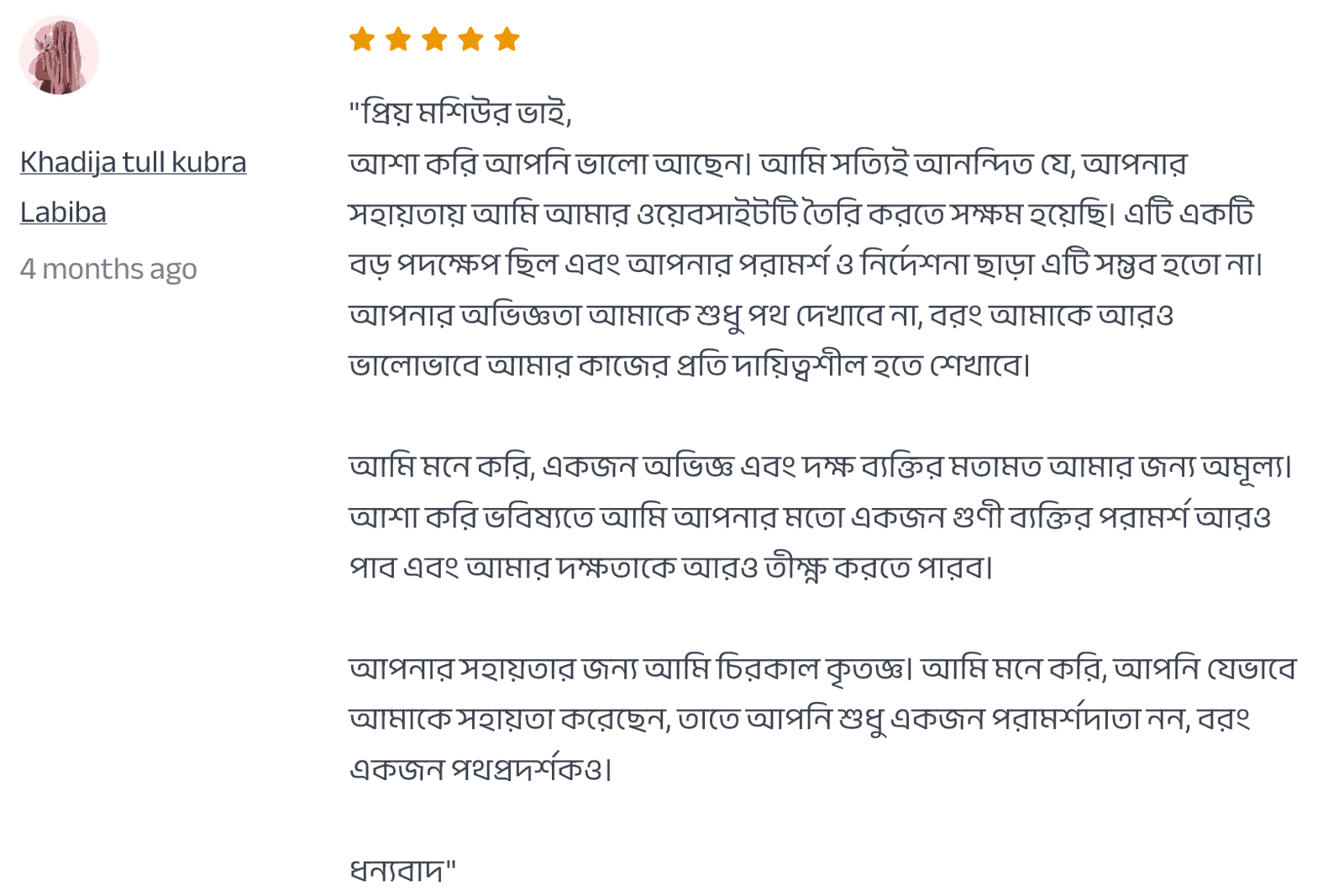
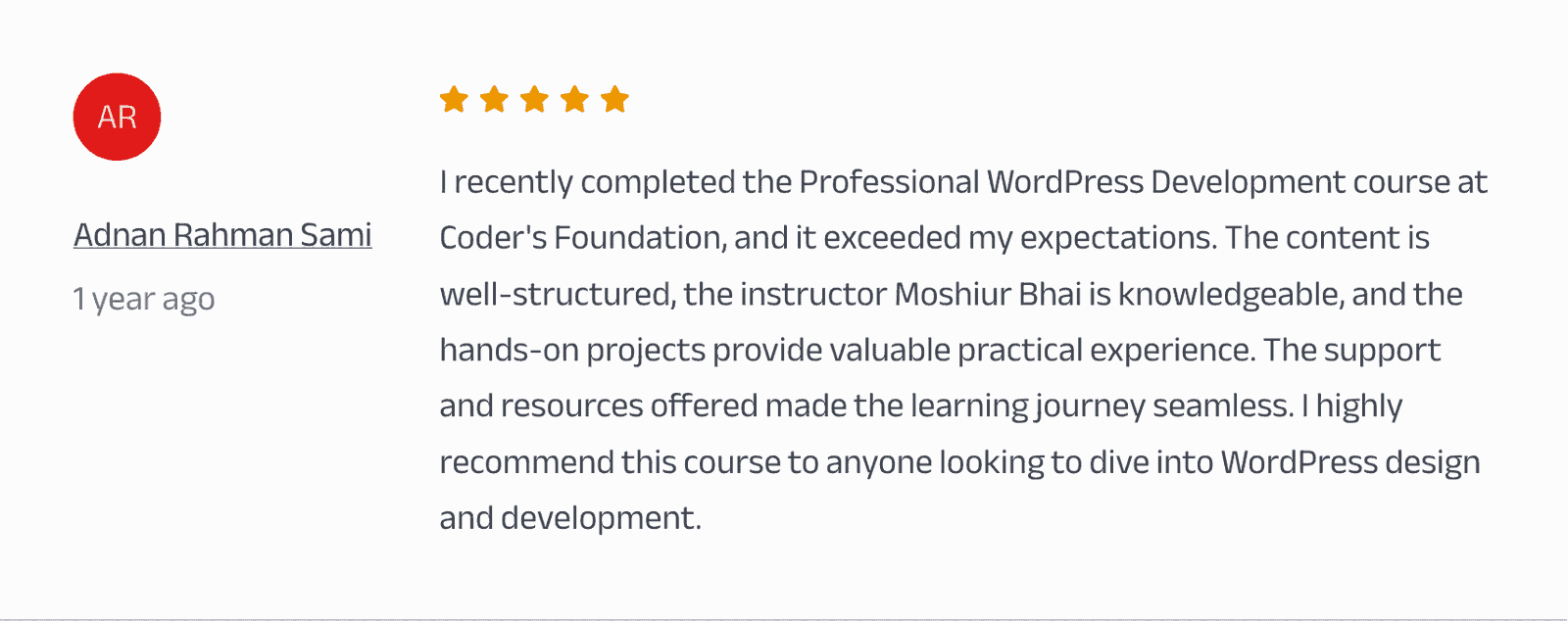
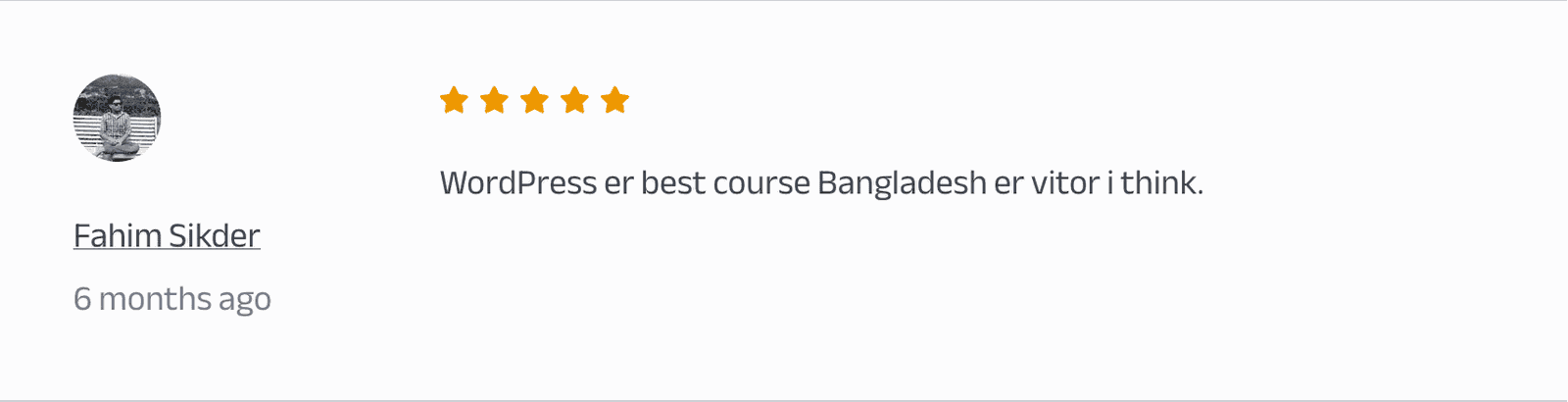
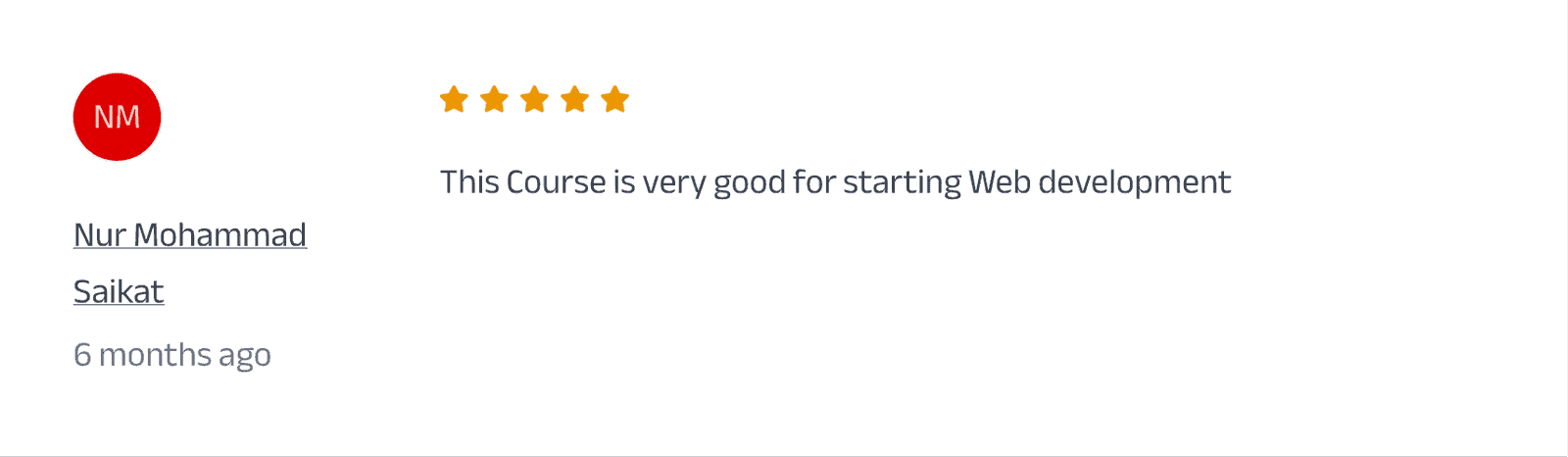
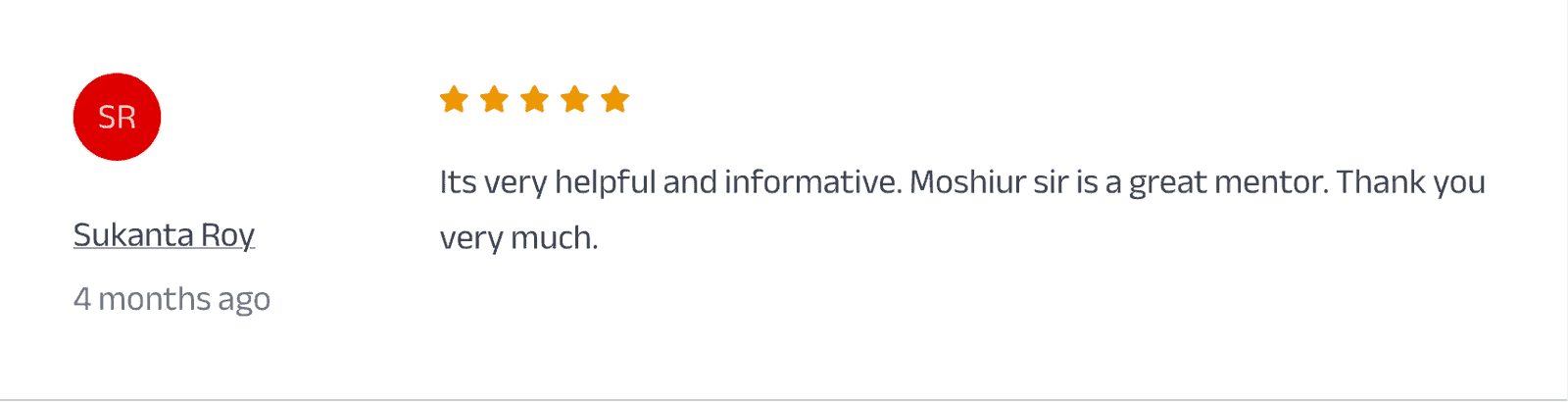
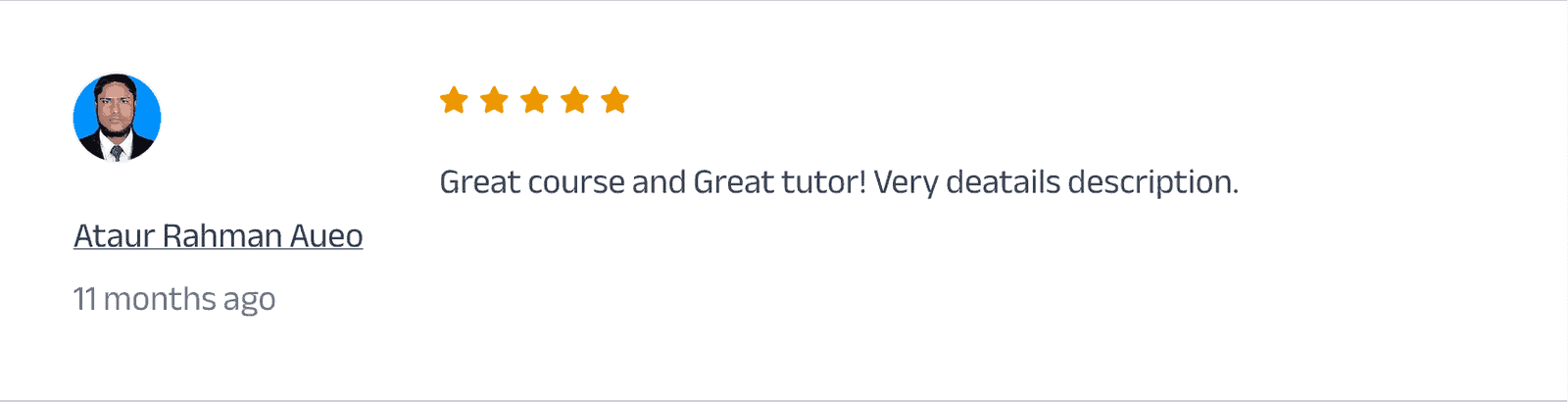
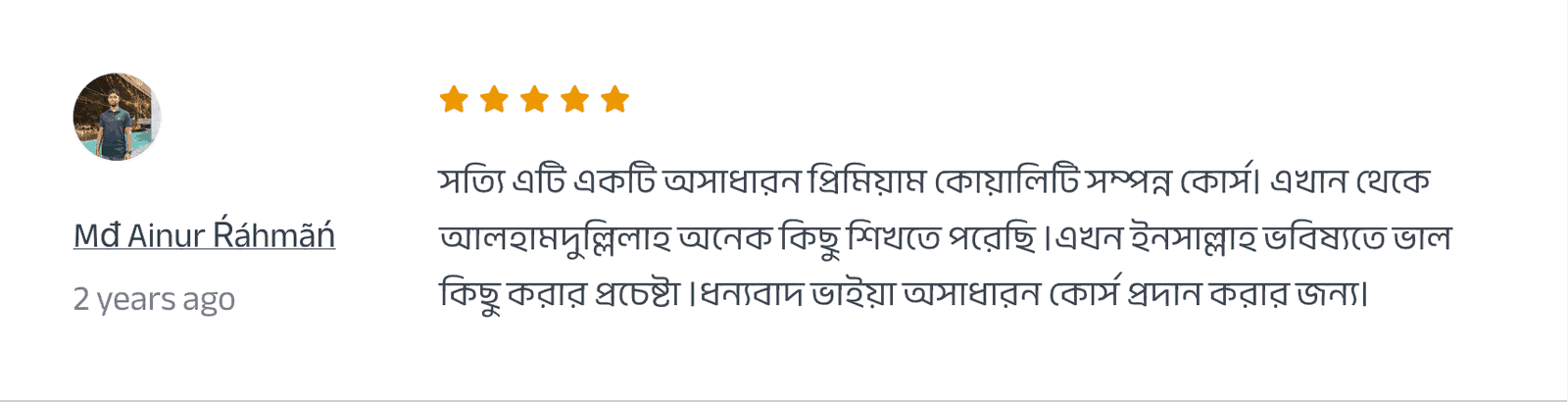
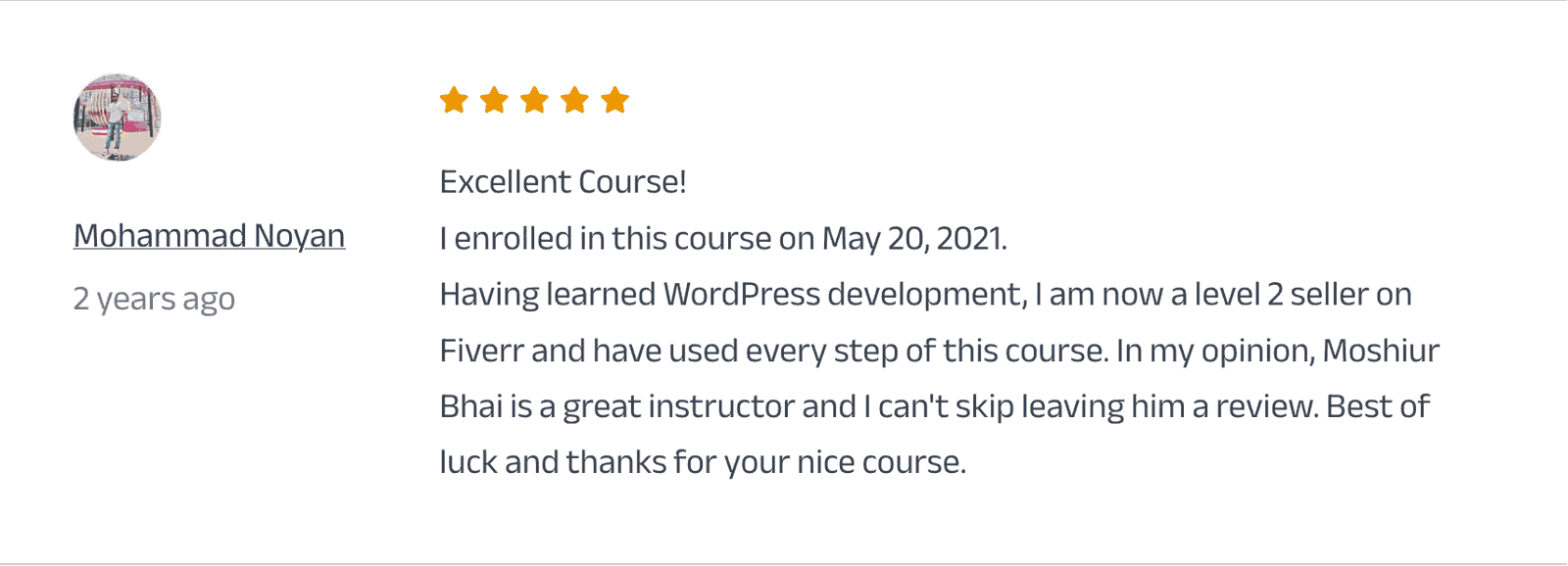
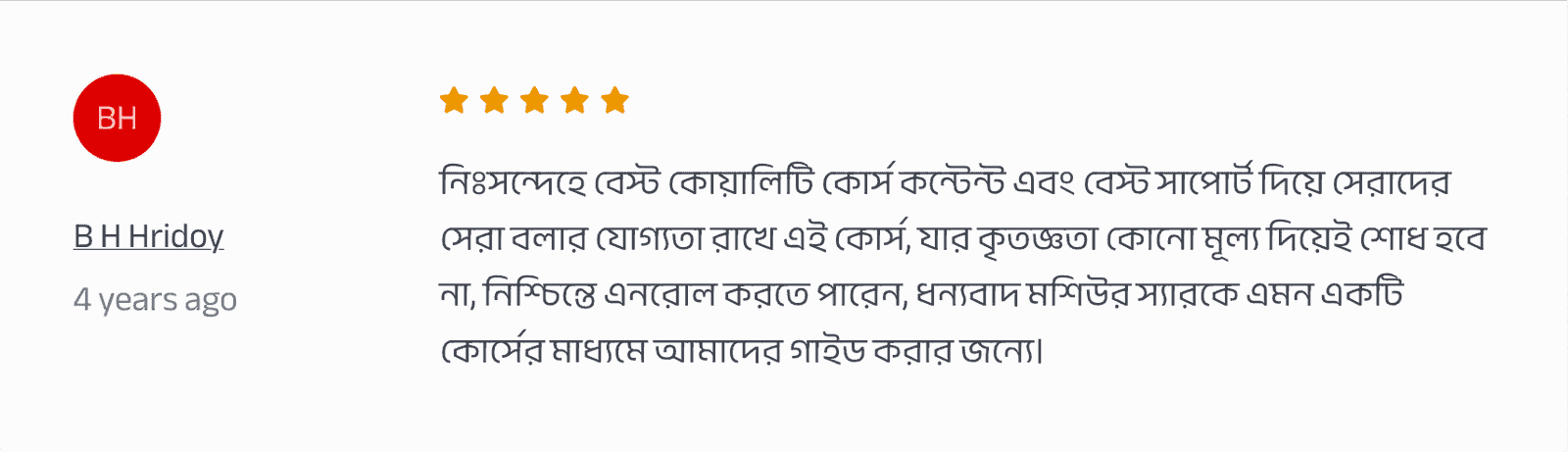
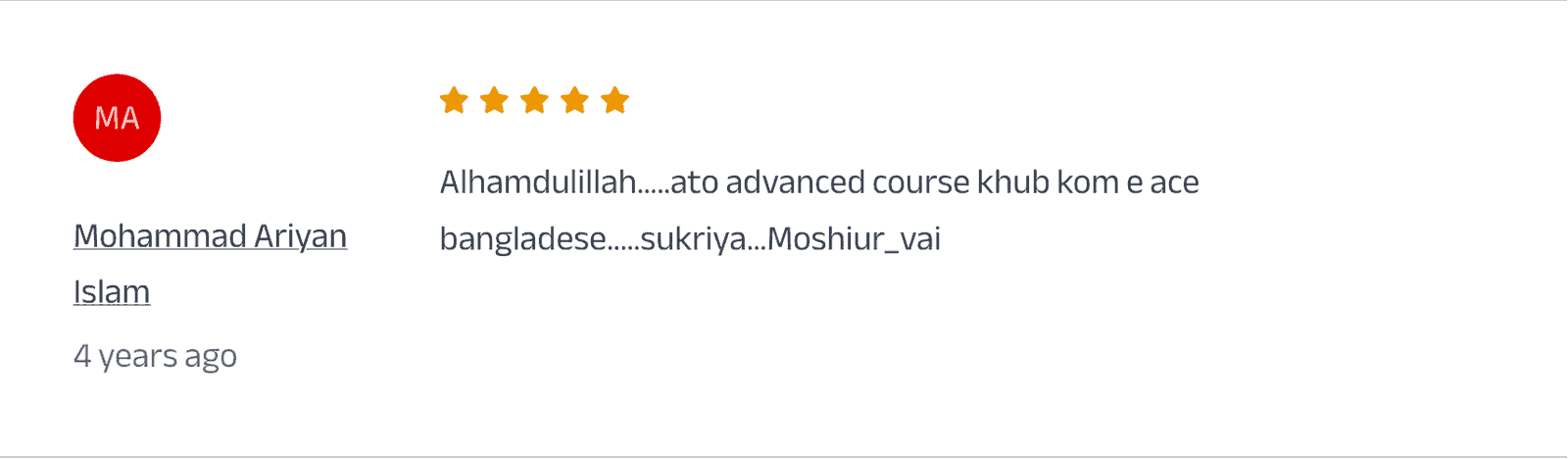
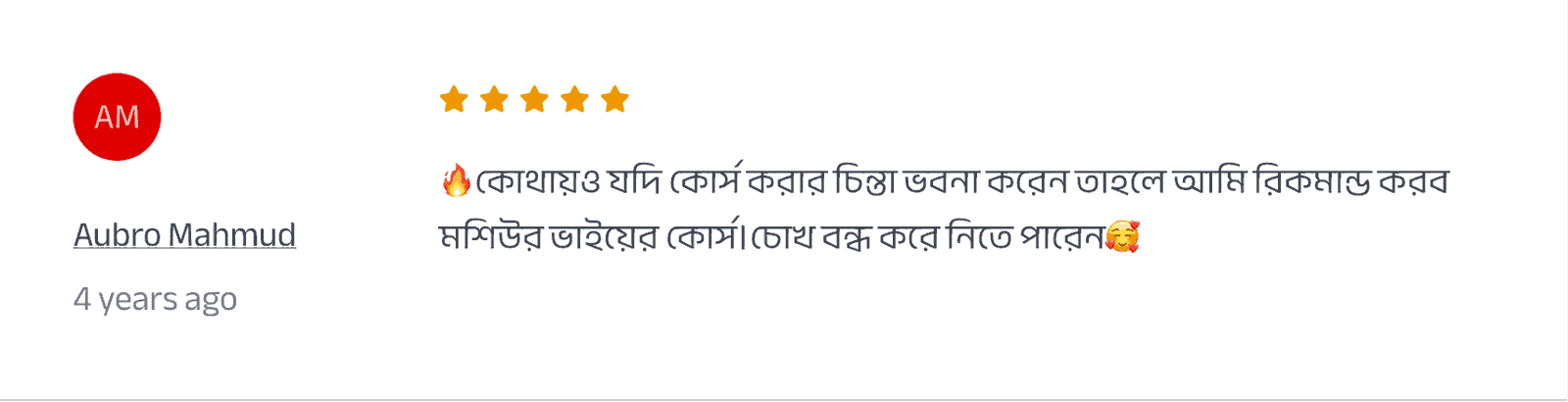
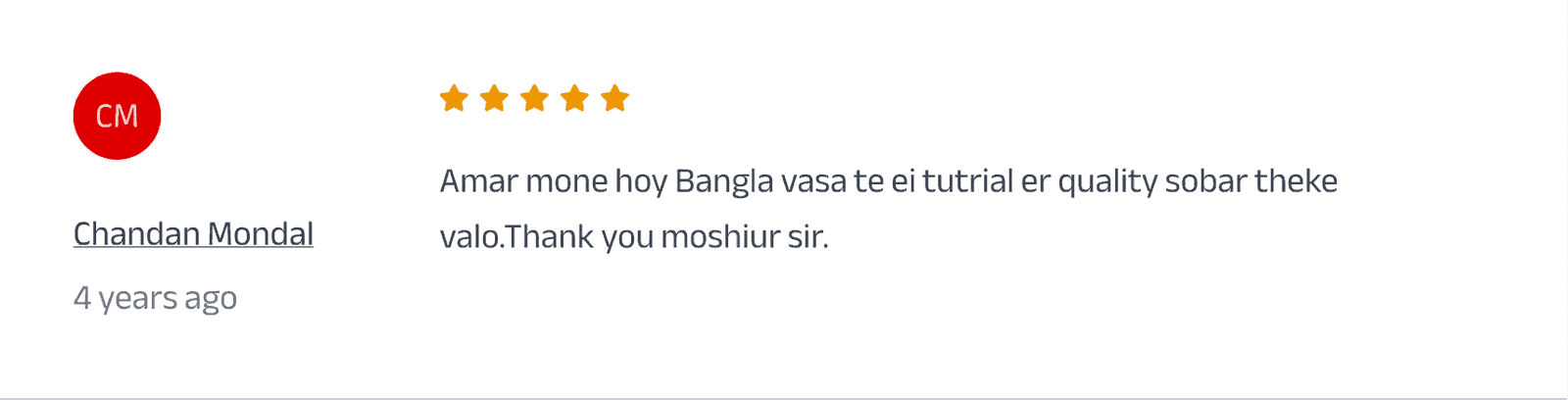
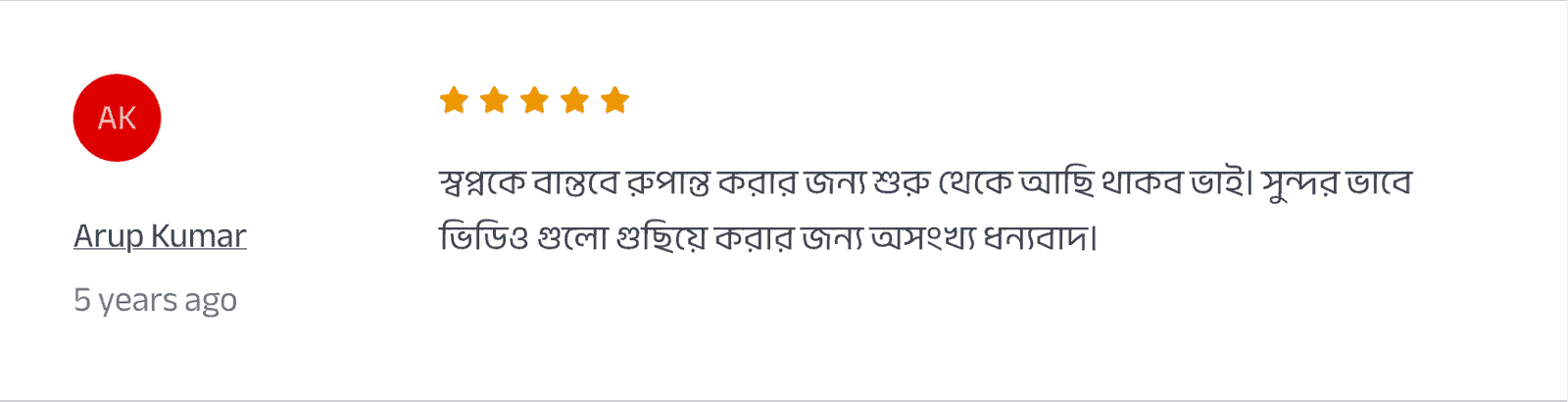
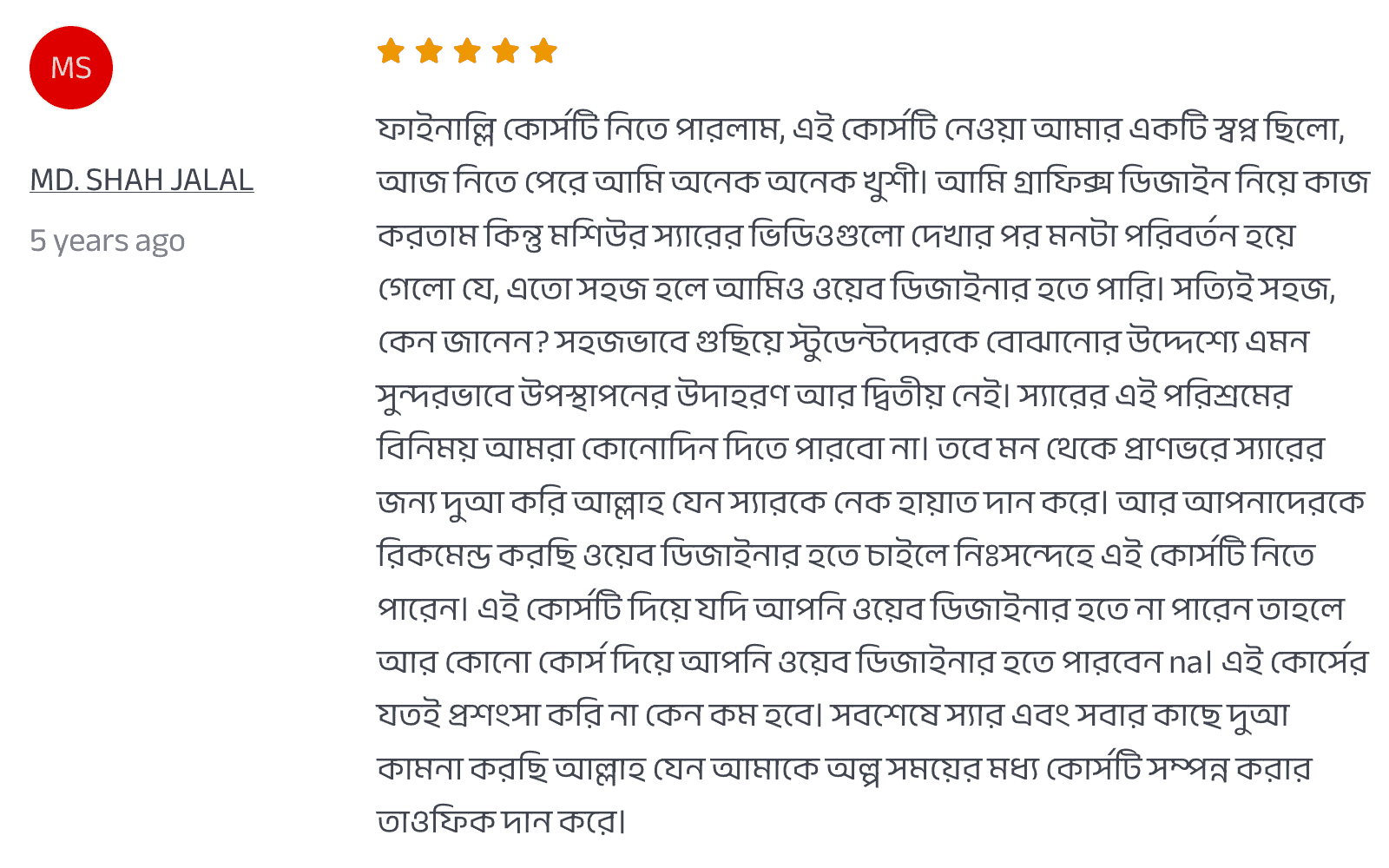
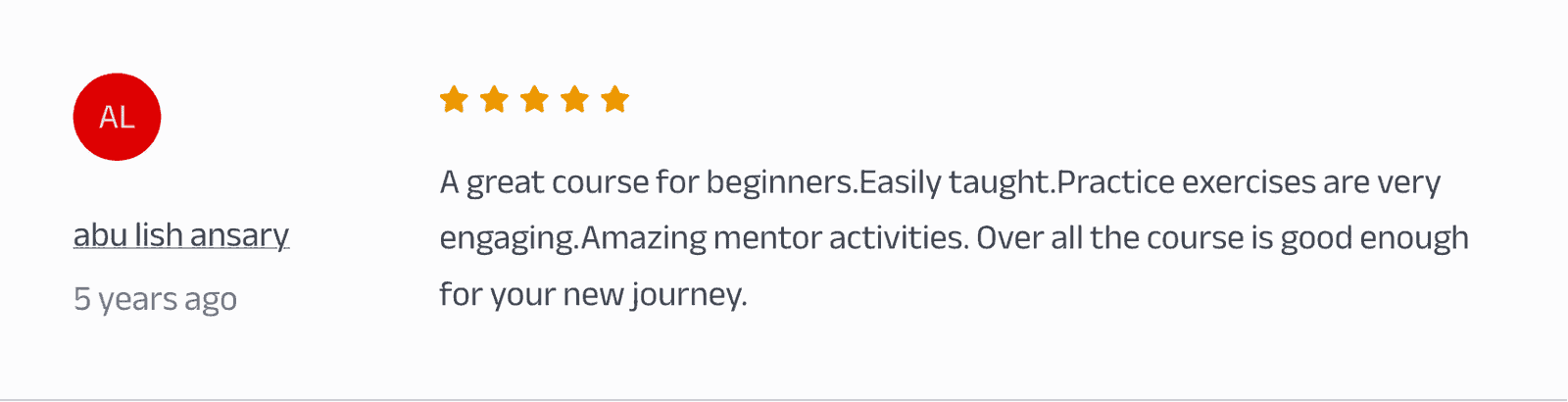
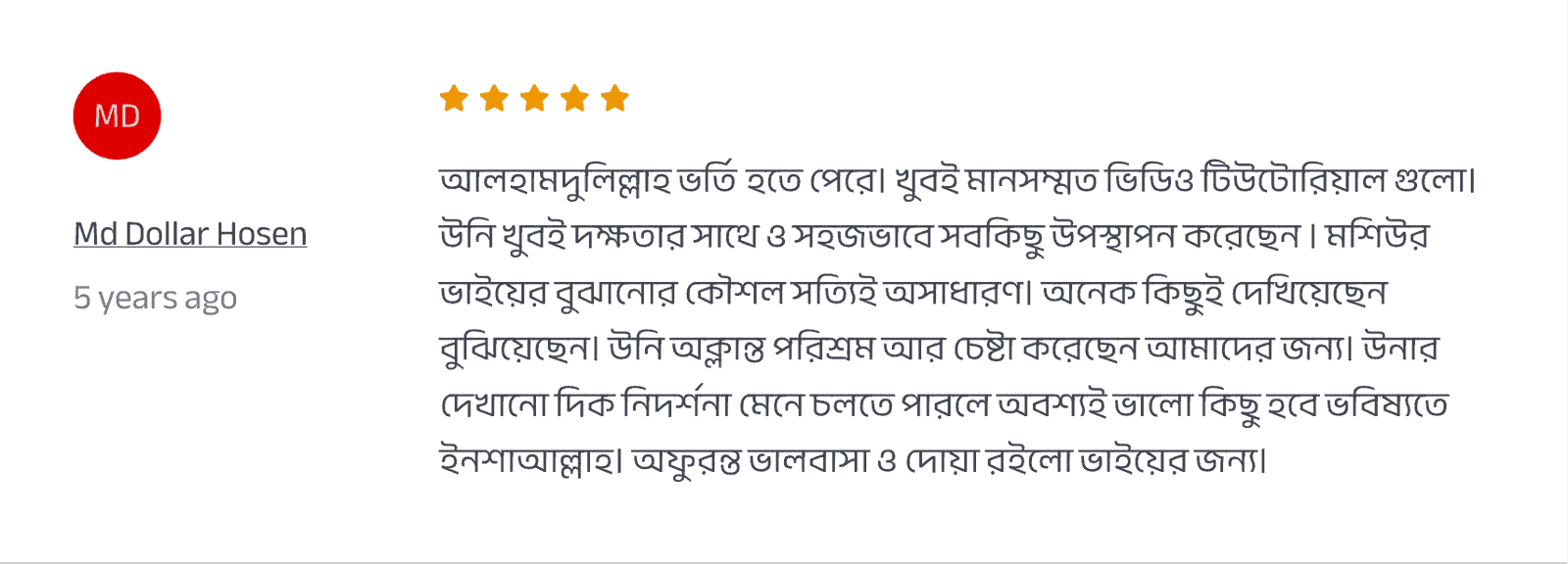
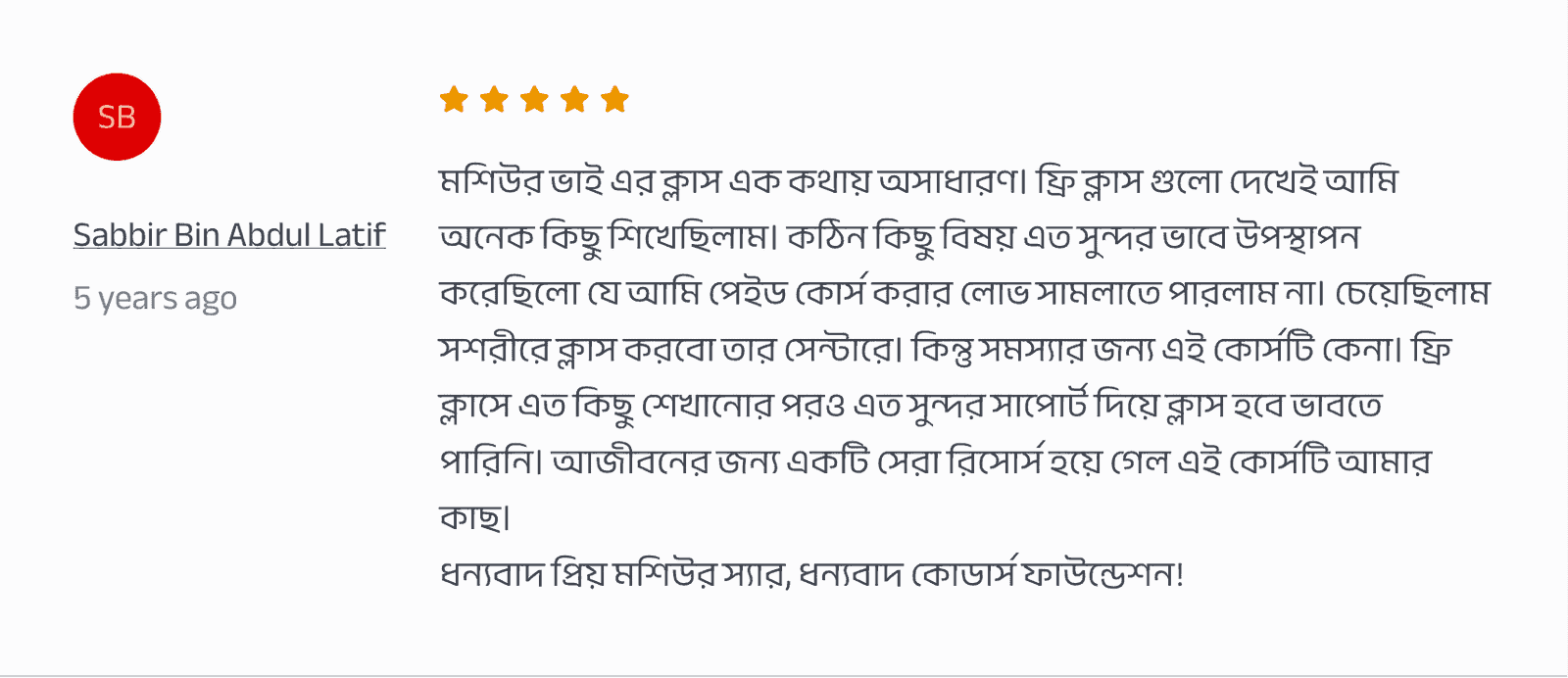
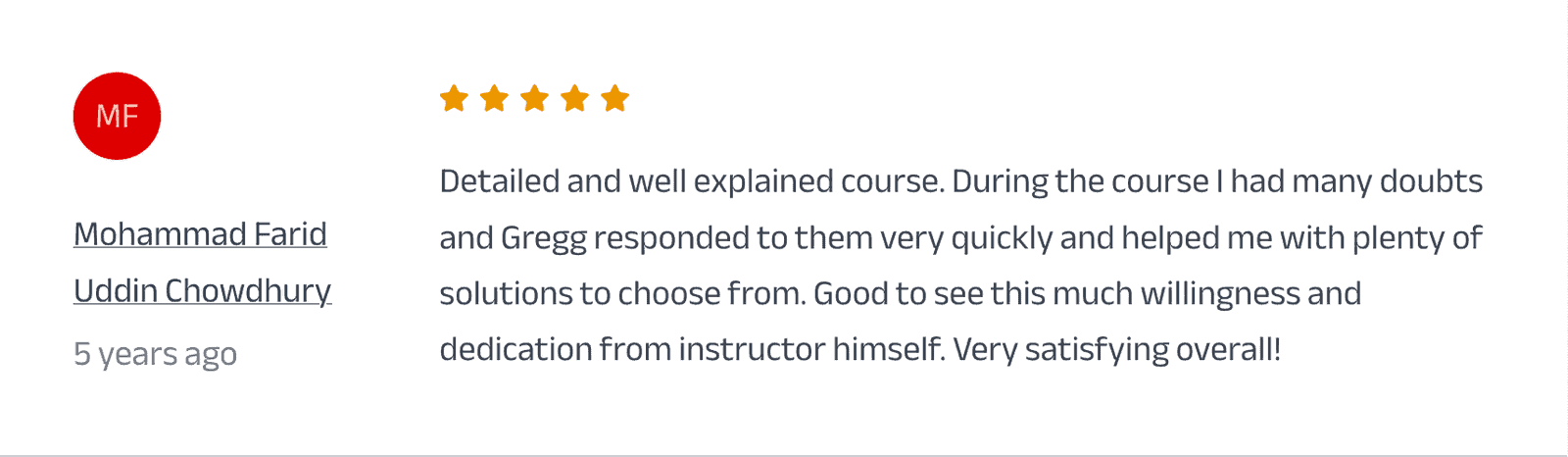
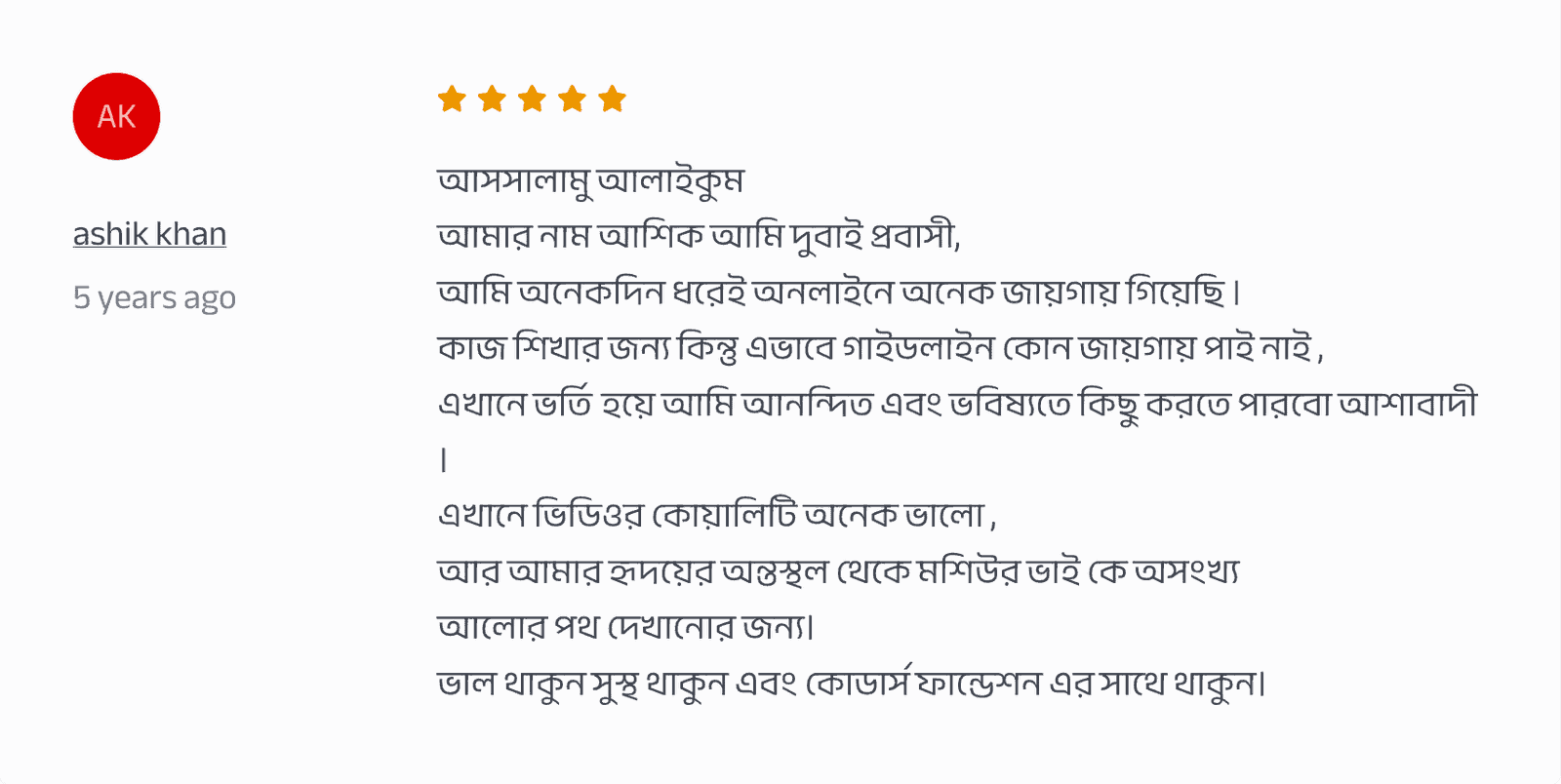
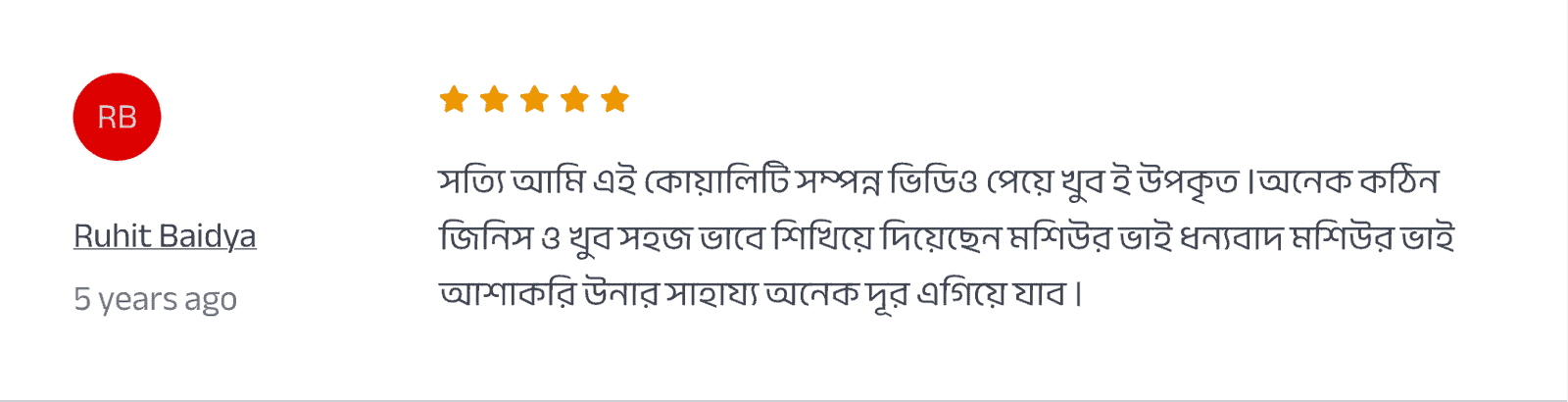
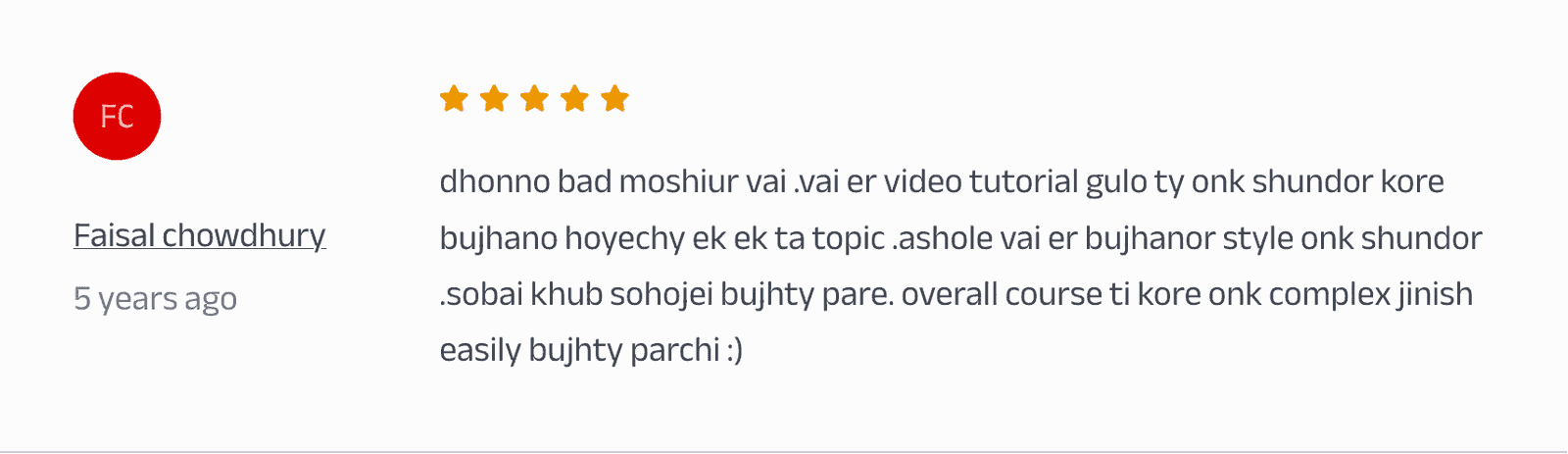
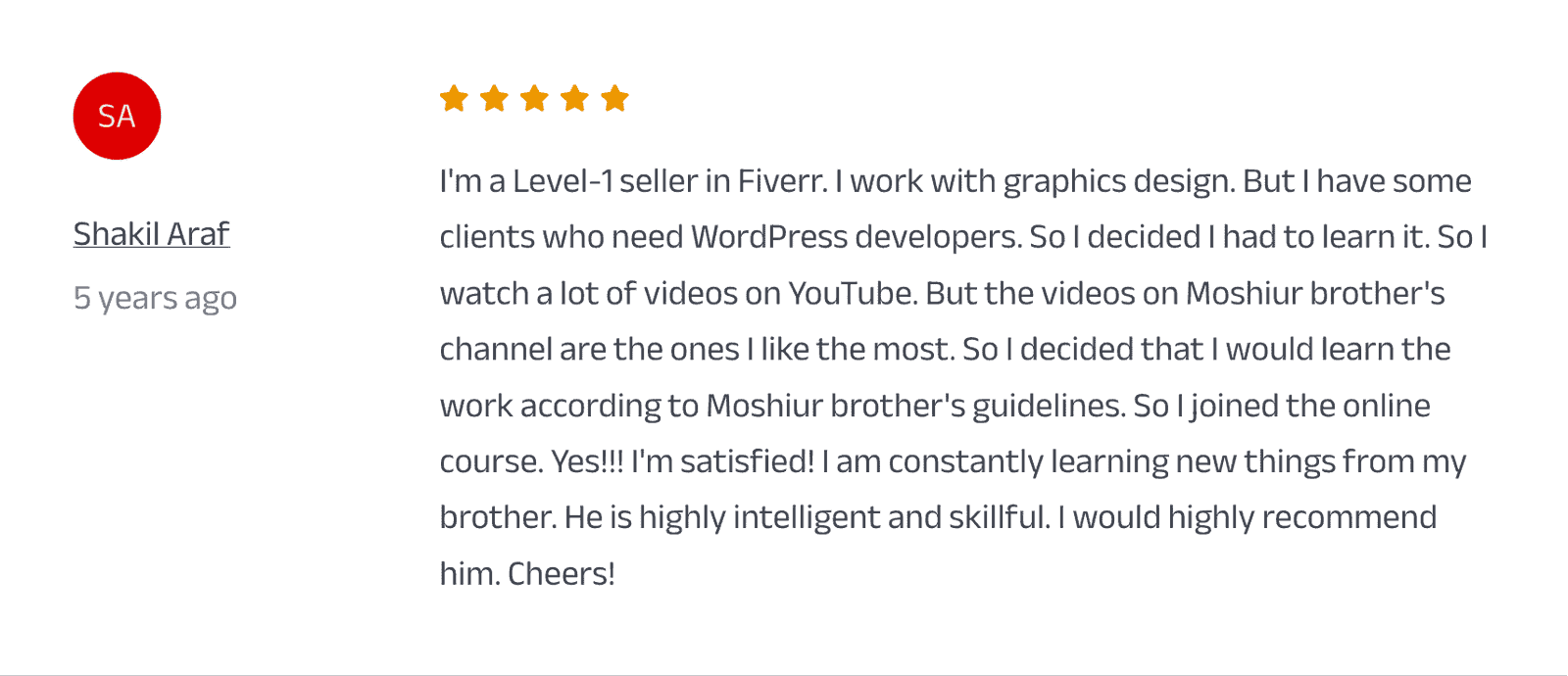
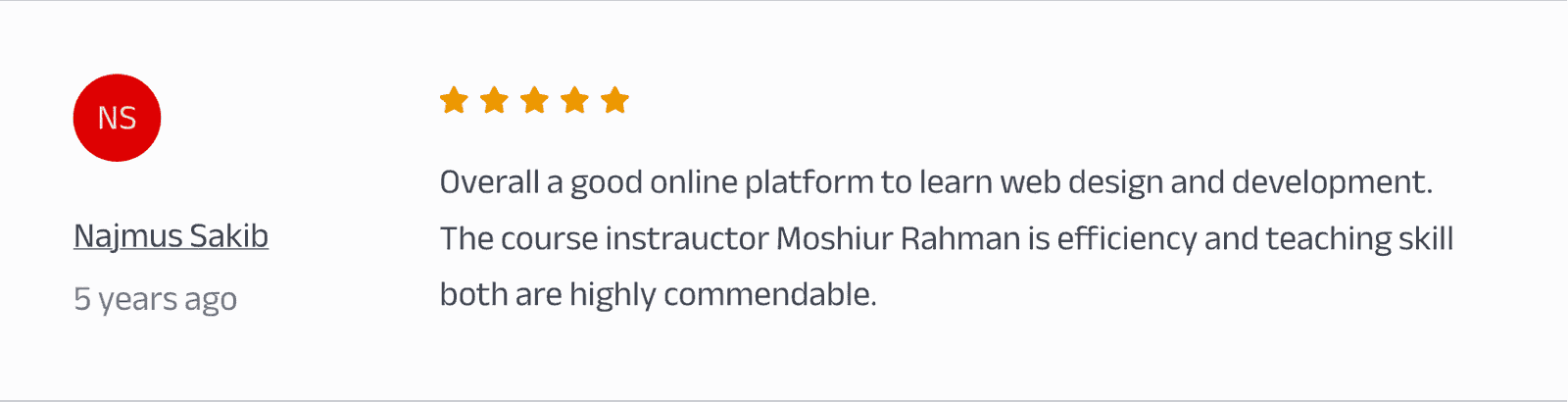
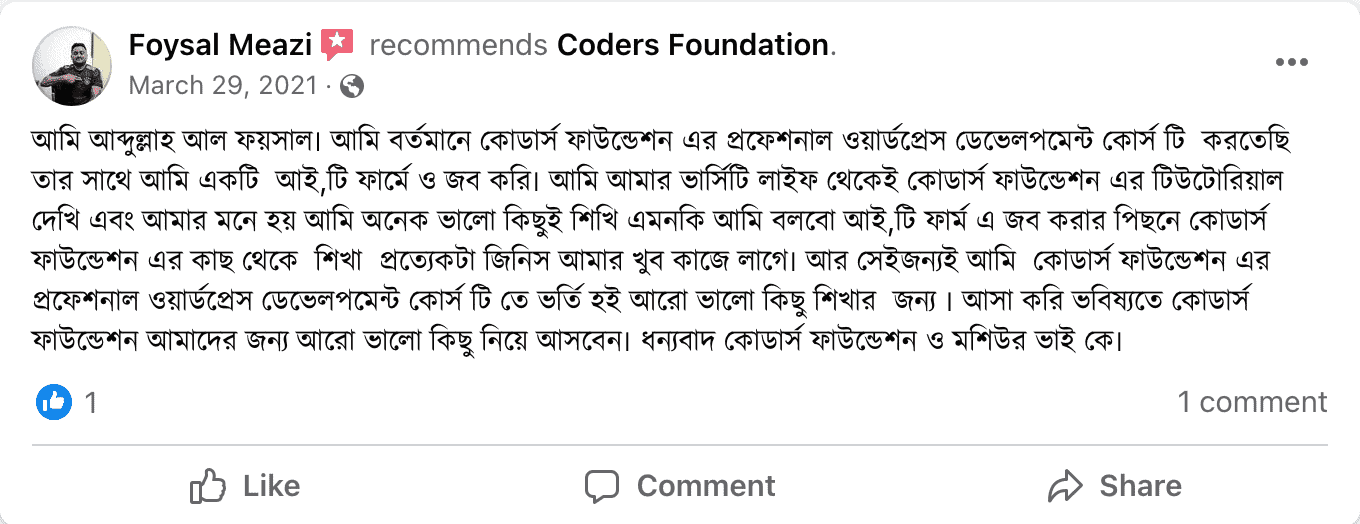
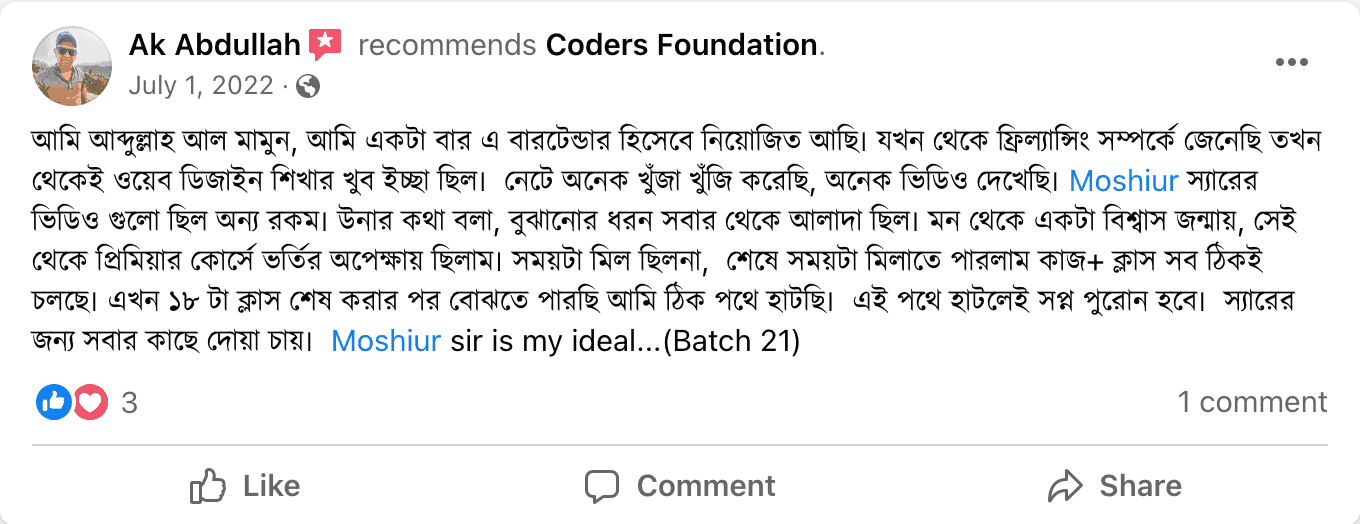
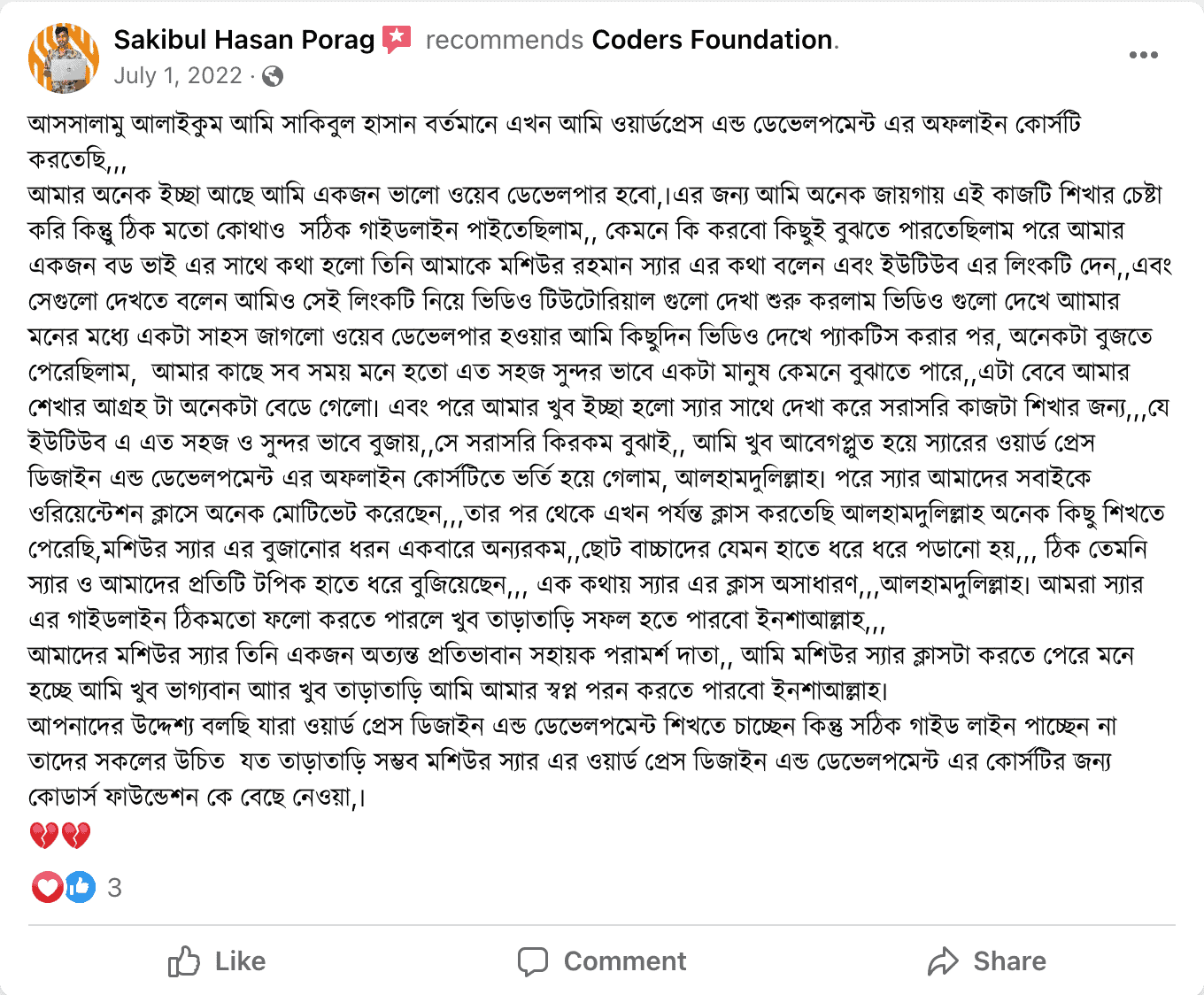
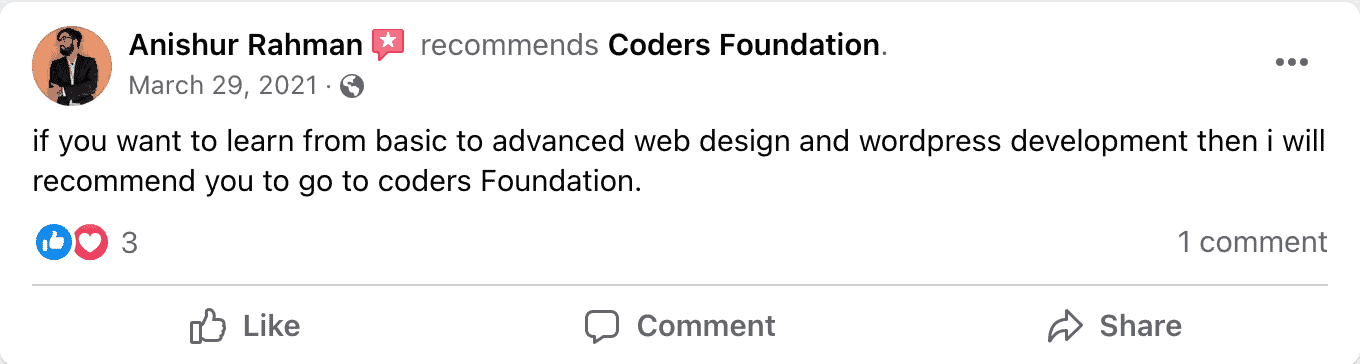
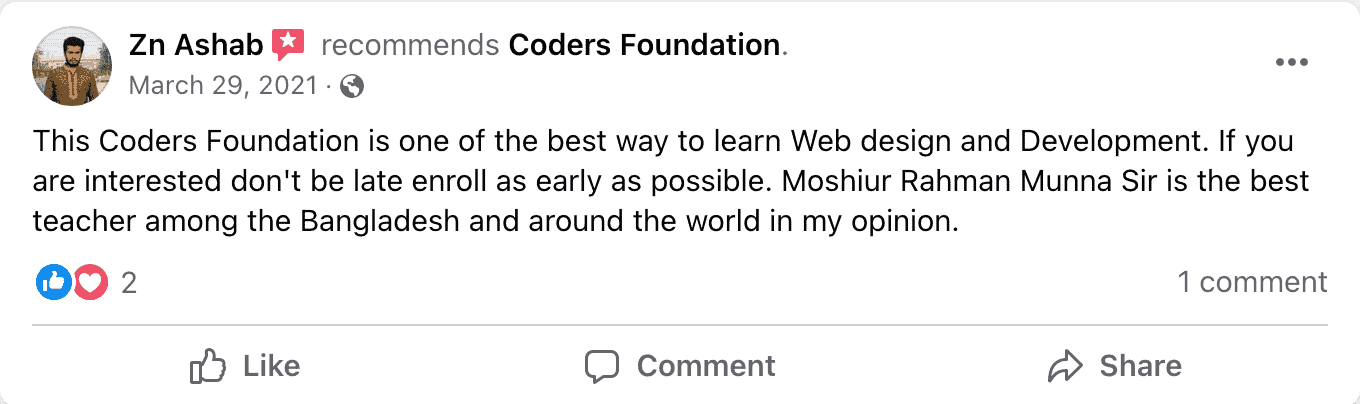
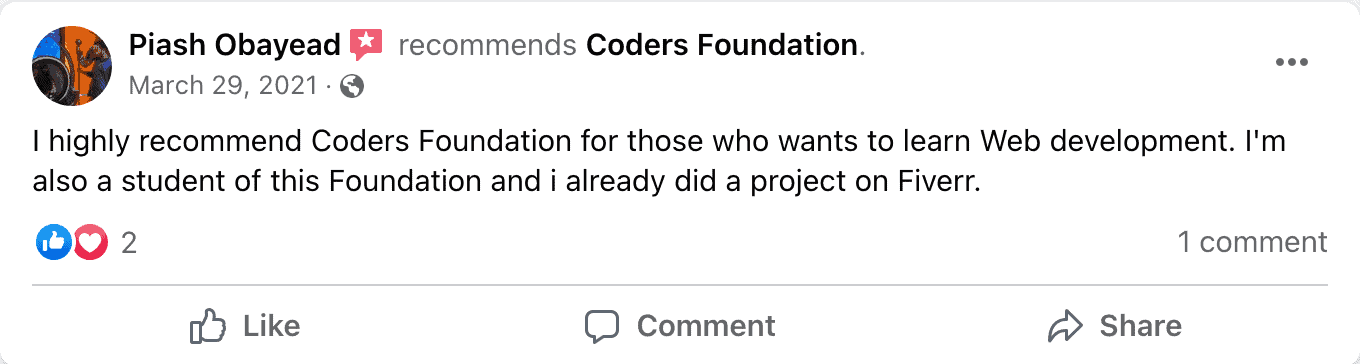
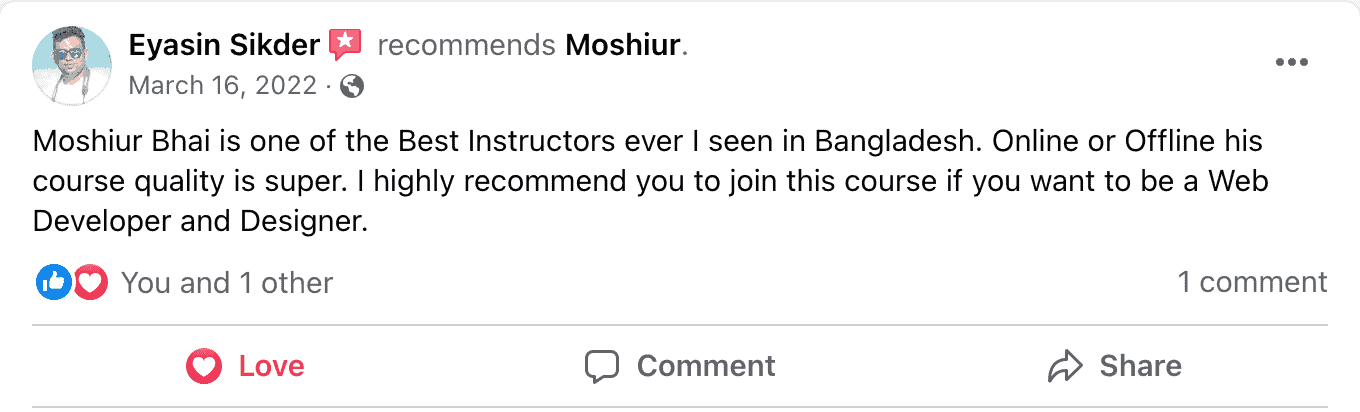
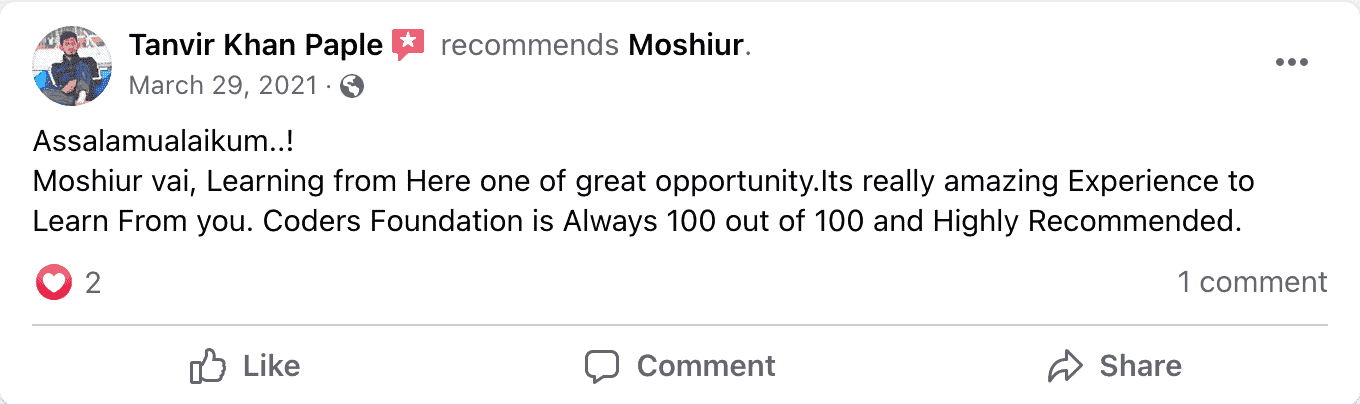
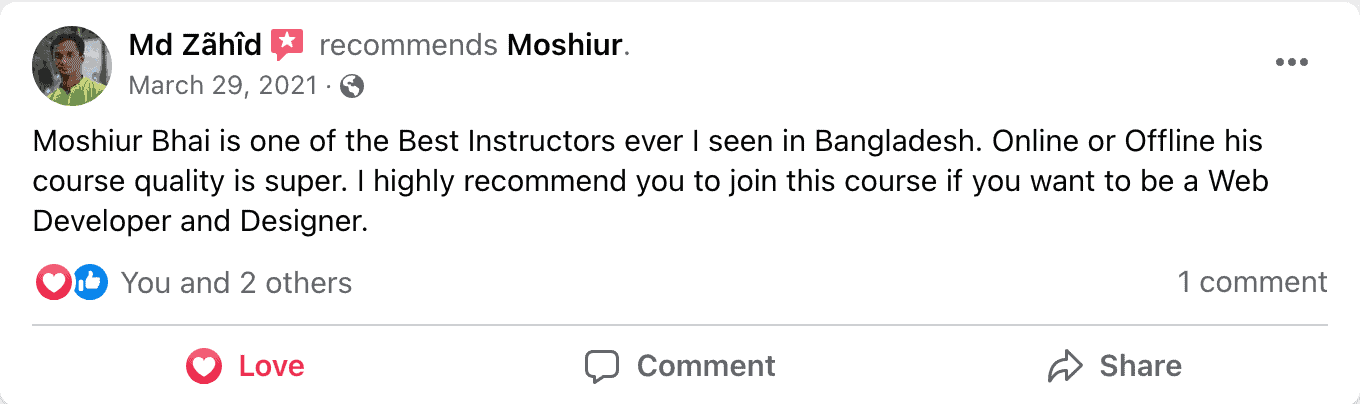
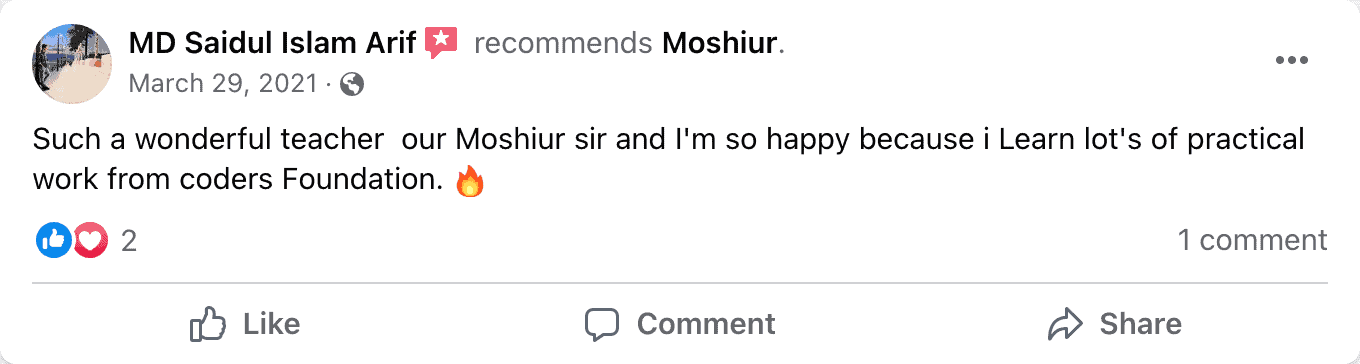
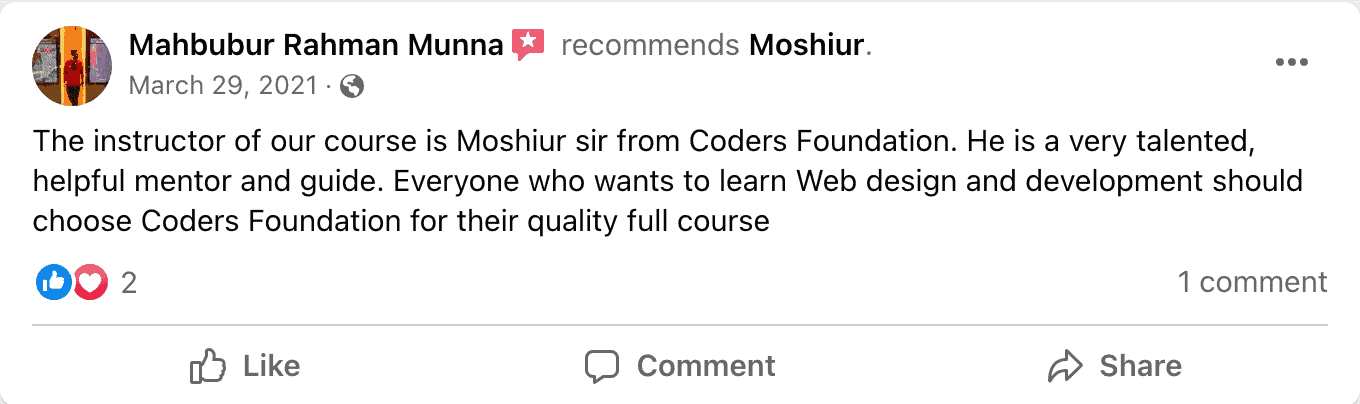
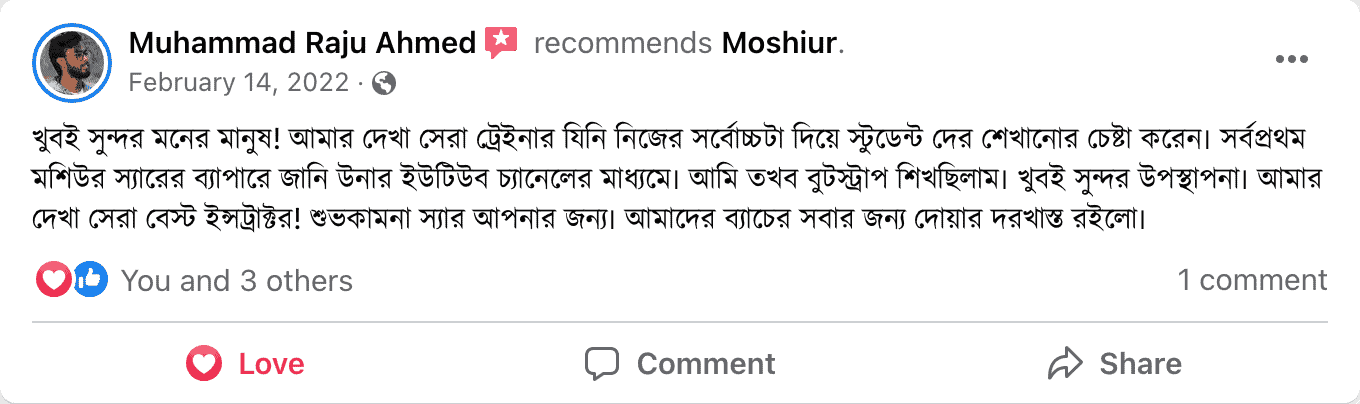
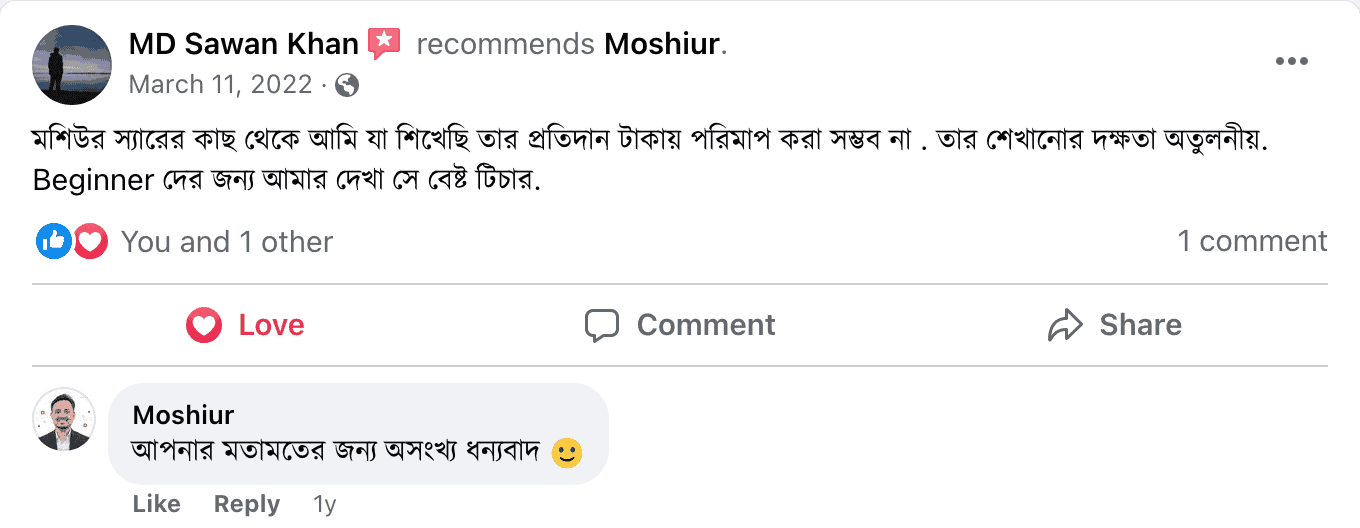
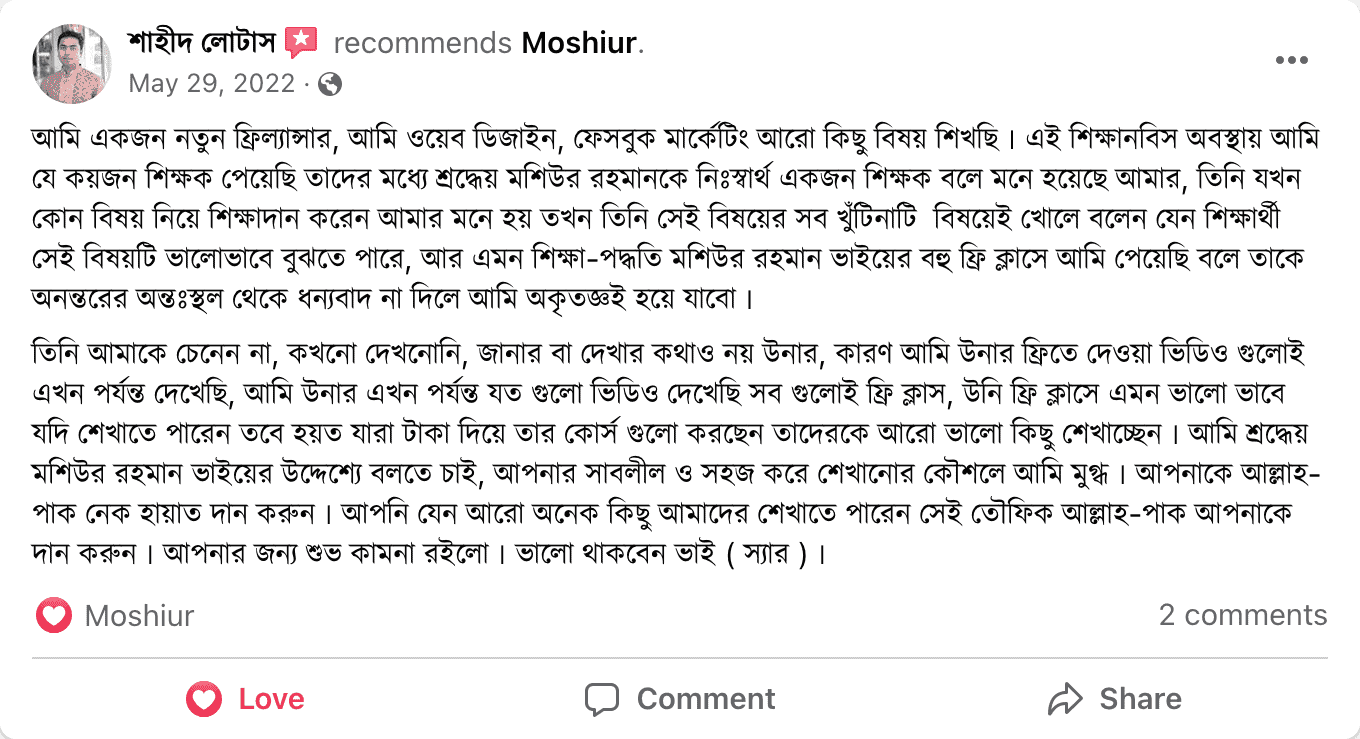
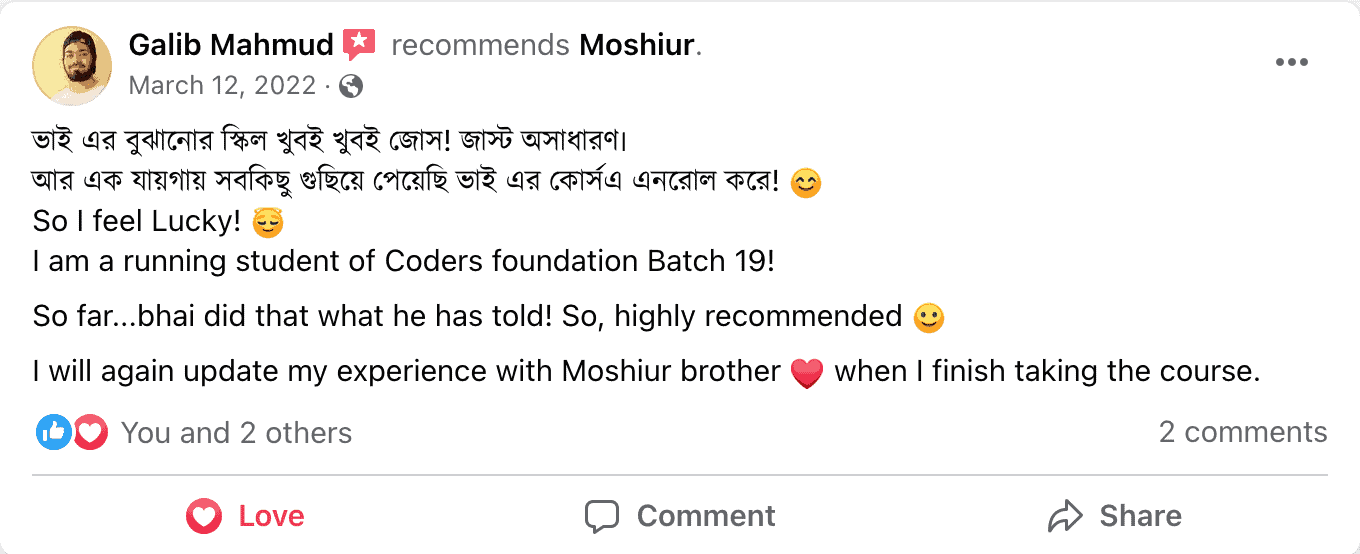
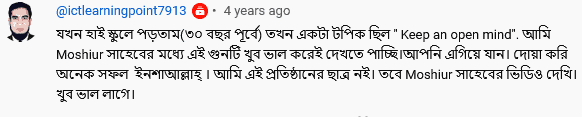
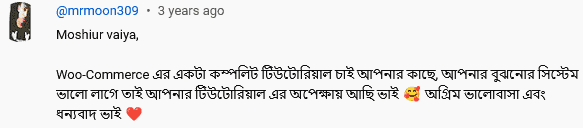
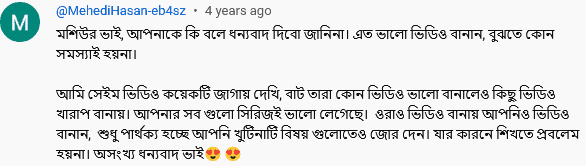
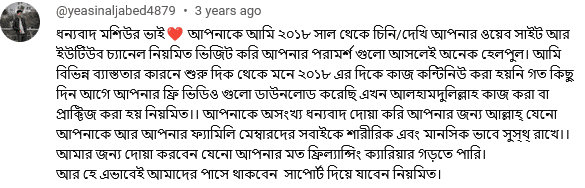
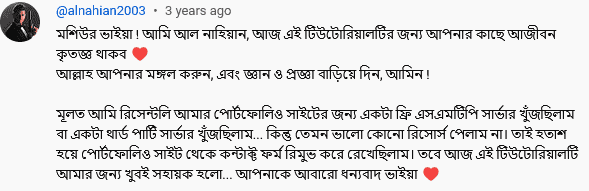
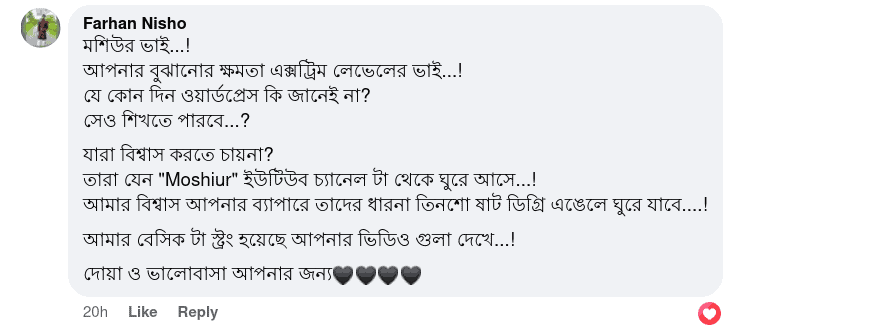
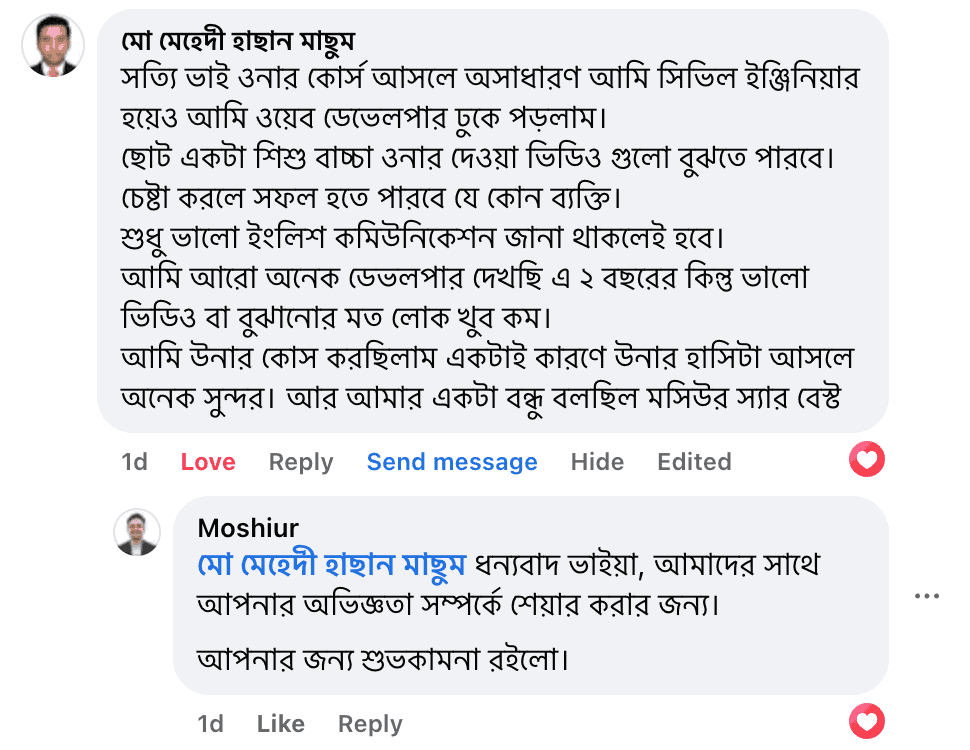
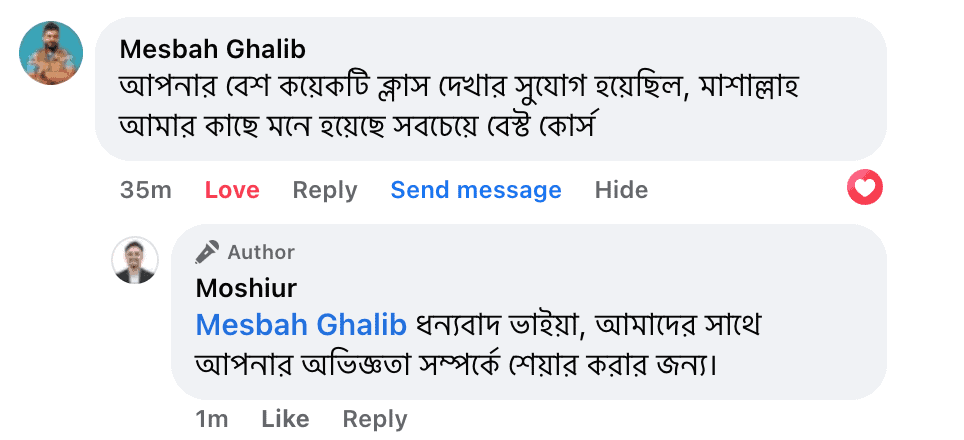
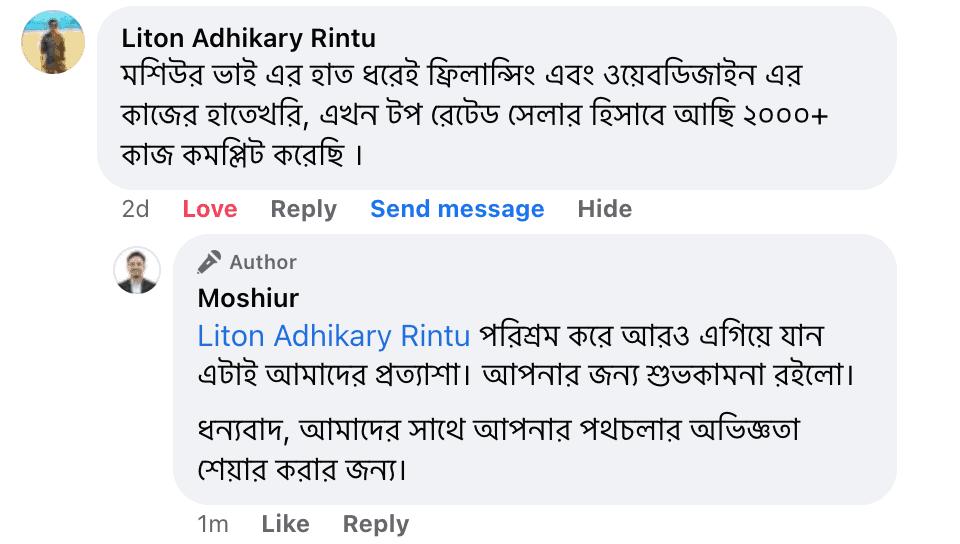
কোর্স ও ইন্সট্রাক্টর সম্পর্কে শিক্ষার্থীরা কি বলছে?
বিগত ১০+ বছরে আমি প্রায় ৯৫০+ প্রজেক্ট কমপ্লিট করেছি ইন্টারন্যাশনাল ও লোকাল মার্কেটপ্লেস গুলোতে কাজ করে। বাস্তব অভিজ্ঞতার আলোকে তৈরি করা কোর্সের মাধ্যমে উপকৃত হয়েছে অসংখ্য শিক্ষার্থী।






















কমন কিছু প্রশ্নের উত্তর
কোন প্রশ্ন আছে? আমাদের কোর্স সম্পর্কে শিক্ষার্থীদের কমন কিছু প্রশ্নের উত্তর এখানে দেওয়া হল।
অনেকে দেখবেন টাকা আয় করা বিষয়ক অনেক ধরণের গ্যারান্টি বা প্রলোভন দেখিয়ে থাকে। তাদের কোর্সে জয়েন করলে প্রতি মাসে আপনি আয় করতে পারবেন “এত হাজার বা লক্ষ টাকা” – কোডারস ফাউন্ডেশন এ এরকম কোন গ্যারান্টি নেই।
আপনি কতো টাকা মাসে উপার্জন করতে পারবেন এটা কোনভাবেই অন্য কারও পক্ষে বলা সম্ভব নয়। প্রতি মাসে হাজার ডলার আয় করা স্টুডেন্টও আছে আমাদের, আবার কিছুই করতে পারেনি এমন স্টুডেন্টও আছে। আমরা একই জিনিস সবাইকে শিখিয়েছি কিন্তু সবাই সফল হয়নি।
আমাদের চেষ্টার পাশাপাশি আপনি কতোটুকু সময় ও ধৈর্য ধরে আমাদের ইন্সট্রাকশান অনুযায়ী পরিশ্রম করছেন সেটার উপরে নির্ভর করবে আপনার সফলতা।
জি, কোর্সটির সকল ভিডিও রেকর্ড করে আমাদের ওয়েবসাইটে আপলোড করা রয়েছে।
আপনি কোর্সে এনরোল করার সাথে সাথেই ভিডিও গুলোর অ্যাক্সেস পেয়ে যাবেন এবং নিজের ইচ্ছে মতো যে কোন সময় ভিডিও গুলো দেখে শিখতে পারবেন।
এই কোর্সটি প্রথম পাবলিশ করা হয় ২০২০ সালে, প্রতি বছর আমরা নতুন নতুন মডিউল কোর্সে এড করার চেষ্টা করি। ভবিষ্যতেও প্ল্যান রয়েছে আরও মডিউল এড করার।
মেজর কোন আপডেট আসলে আমরা মডিউলের ভিডিওগুলো সেই অনুযায়ী আপডেট করার চেষ্টা করি।
জি, কোডিং বা ওয়ার্ডপ্রেস সম্পর্কে পূর্বে থেকে কোন কিছু জানার প্রয়োজন নেই। একদম শুরু থেকে আমরা স্টেপ বাই স্টেপ মডিউল গুলো সাজিয়েছি বিগিনারদের জন্য।
এটা বলাটা কঠিন! নিয়মিত প্র্যাকটিস করলে ৪-৬ মাসের মাঝেই শেষ করা সম্ভব। আপনি যতো বেশি সময় দিবেন ততো দ্রুত কোর্সের মডিউল গুলো শেষ করতে পারবেন।
জি। পাশাপাশি, ভবিষ্যতে যখন আমরা এই কোর্সে কোন আপডেট বা মডিউলে ইম্প্রুভমেন্ট করবো আপনি ফ্রিতেই আপডেটেড কন্টেন্ট ড্যাশবোর্ডে পেয়ে যাবেন।
আমরা সকল সাপোর্ট দিয়ে থাকি ফেসবুক প্রাইভেট গ্রুপের মাধ্যমে। কোর্সে এনরোল করার পর ভিডিও দেখা শুরু করলেই সাপোর্ট সম্পর্কে আরও বিস্তারিত জেনে যাবেন।
দুঃখিত, ডাউনলোড করা যাবে না। কোর্সের ভিডিওগুলো আপনাকে আমাদের ওয়েবসাইটে লগিন করে দেখতে হবে।
জি। কোর্স কমপ্লিট করার পর ডিজিটাল সার্টিফিকেট আপনি আমাদের ওয়েবসাইট থেকে ডাউনলোড করতে পারবেন।
- ফেসবুক পেইজে মেসেজ করতে পারেনঃ https://m.me/codermoshiur
- WhatsApp এ যোগাযোগ করতে পারেনঃ https://wa.me/8801312336335
- কল করতে পারেনঃ +8801312336335 or +8801842336364
আপনি যদি একদম শুরু থেকে স্টেপ বাই স্টেপ ওয়েবসাইট তৈরি করা শিখে ফ্রিল্যান্সিং করে ক্যারিয়ার দাঁড় করাতে চান তবে “ওয়ার্ডপ্রেস প্রো” কোর্স আপনার জন্য আদর্শ হতে পারে।

- ৭৬ ঘণ্টা+ ভিডিও লেসন
- ১৮টি এক্সক্লুসিভ মডিউল
- ২৯০+ ভিডিও লেসন
- ডাউনলোডেবল রিসোর্স
- ফেসবুক প্রাইভেট সাপোর্ট গ্রুপ
প্রাইজ মাত্রঃ ৯৯৯৫ টাকা
